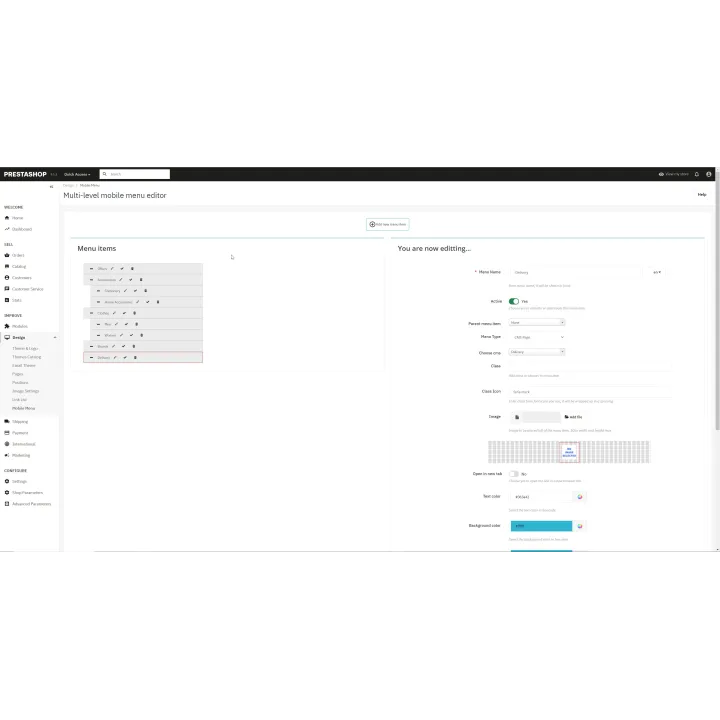
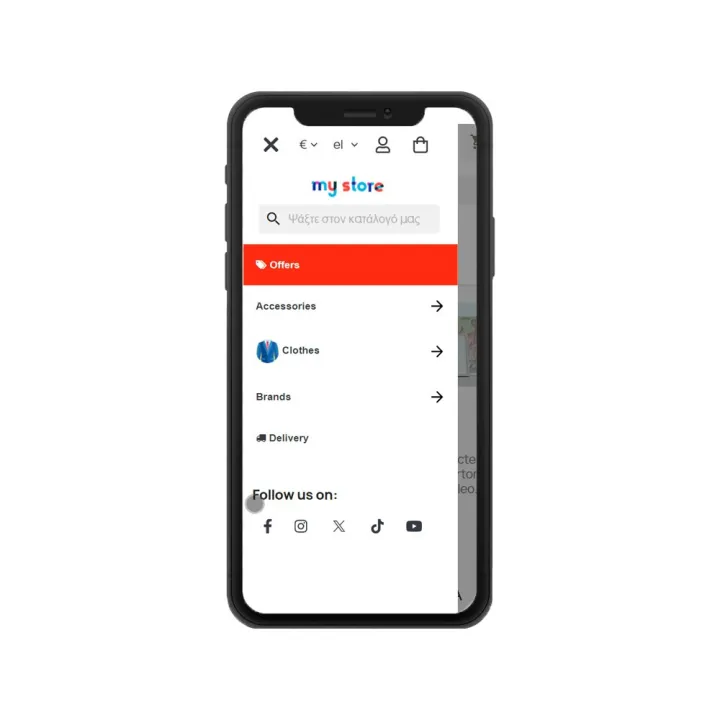
Follow us on:

🏖️ SUMMER SALES 2026 20% TO ALL!
 USE CODE SUMMER26

00 Days
00 Hours
00 Minutes
00 Seconds

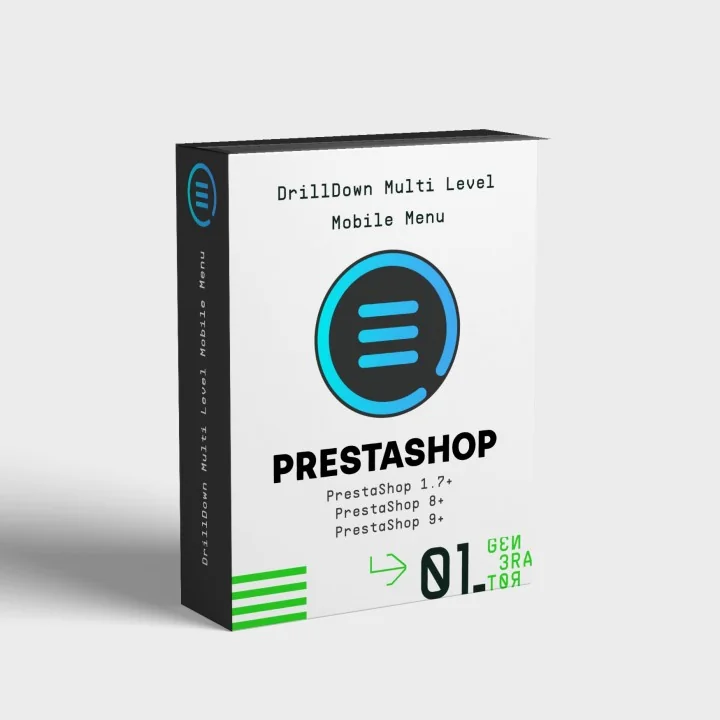
Drilldown Multi-Level Mobile Menu for PrestaShop

  • Last update 10/28/2025
  • PrestaShop version 1.7.X - 9.X
  • Module version 1.4.17

Build a responsive multi-level PrestaShop menu with categories, CMS pages, brands and custom links, plus drag-and-drop ordering, icons and mobile-first drilldown navigation.
Price: €124.00
Tax included
  • Open Source Code
  • 3 months upon purchase with unlimited downloads while support is active
  • Each purchase equals to one license of use, each license is valid for only one Store. Each license is registered to one domain.
Try the demo
€124.00
  • Support
    3 months from the purchase date
  • Download Updates
    Free download updates as long as you have active support
  • License
    1 license per domain
  • Current Version
    v1.4.17
  • Compatibility
    v7.X
    v8.X
    v9.X
  • Last Update Date (MM/DD/YYYY)
    10/28/2025

About module

Version
1.4.17
Last update
10/28/2025
Available in
English, Greek
Read documentation

What this module does for you

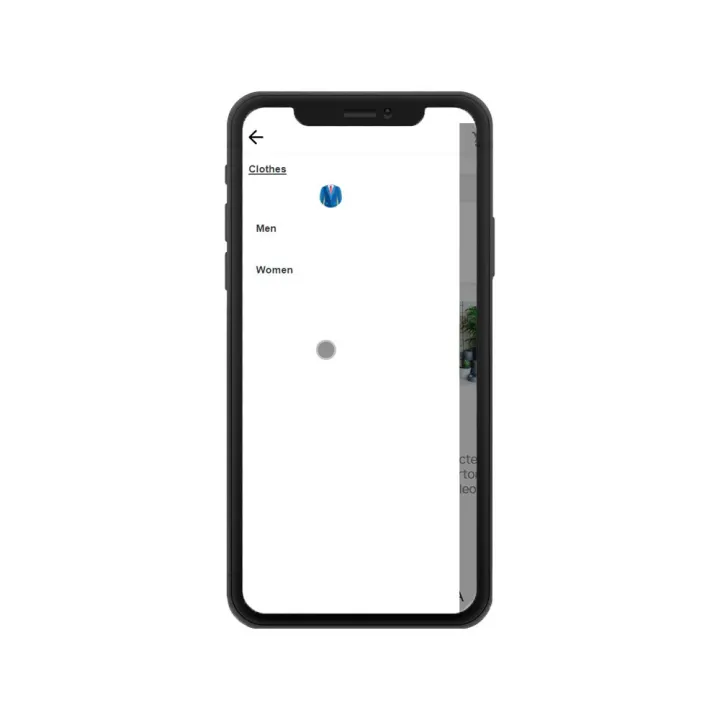
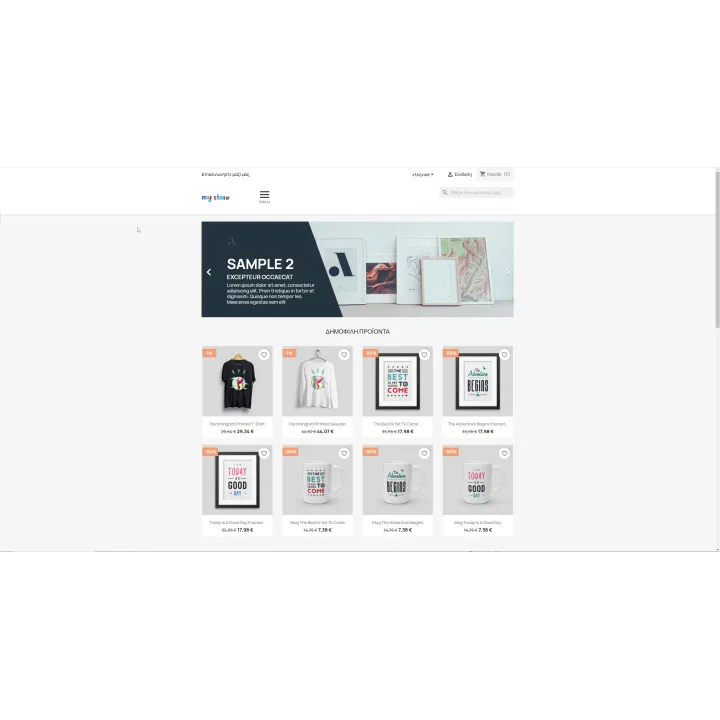
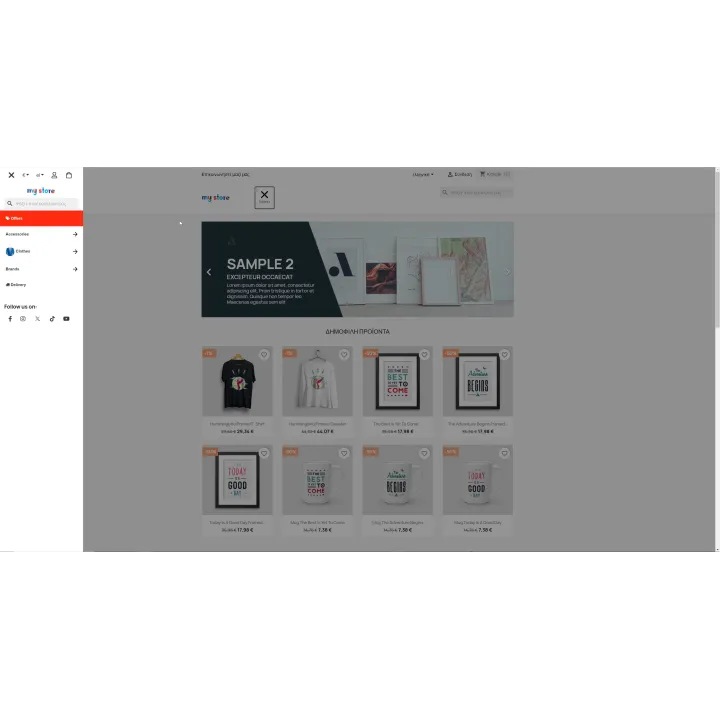
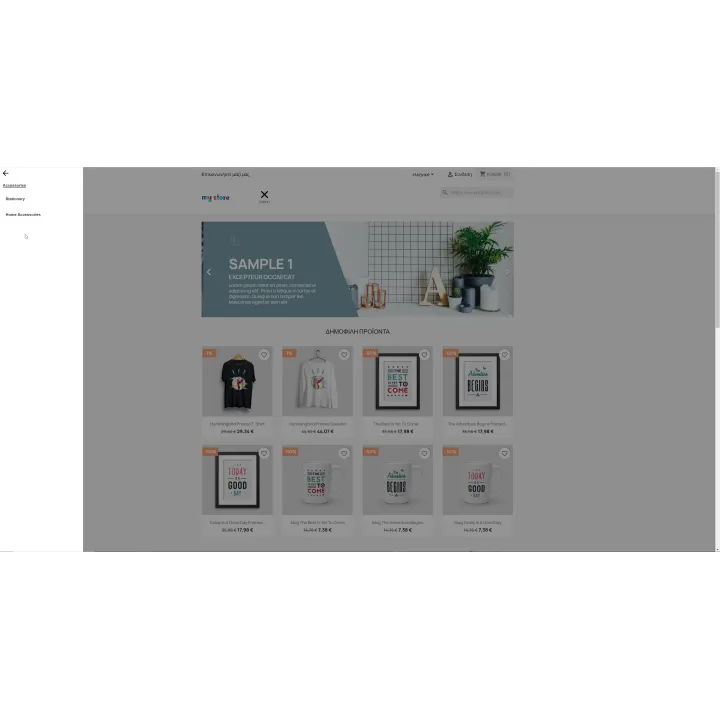
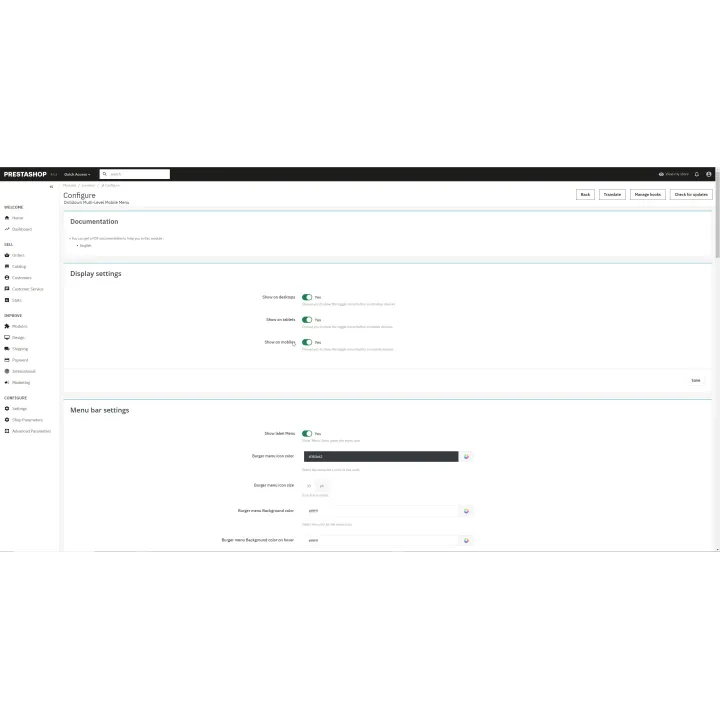
Drilldown Multi-Level Side Mobile Menu gives you a configurable navigation system for mobile, tablet and desktop without hard-coding your store menu. Combine catalogue links and content pages, control ordering and styling, and expose the store actions customers need inside a compact drilldown interface.

  • Add PrestaShop categories and automatically include their subcategories.
  • Add CMS pages, manufacturers/brands, custom links and a Home entry.
  • Reorder menu items with drag and drop.
  • Apply per-item styling and use icons or uploaded images where appropriate.
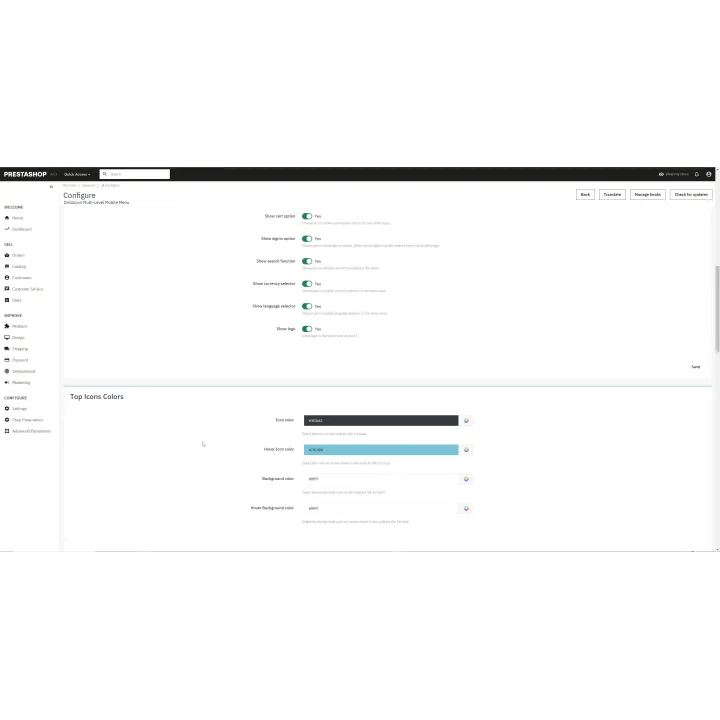
  • Include useful store actions such as search, currency, language, account, cart and logo/social links.
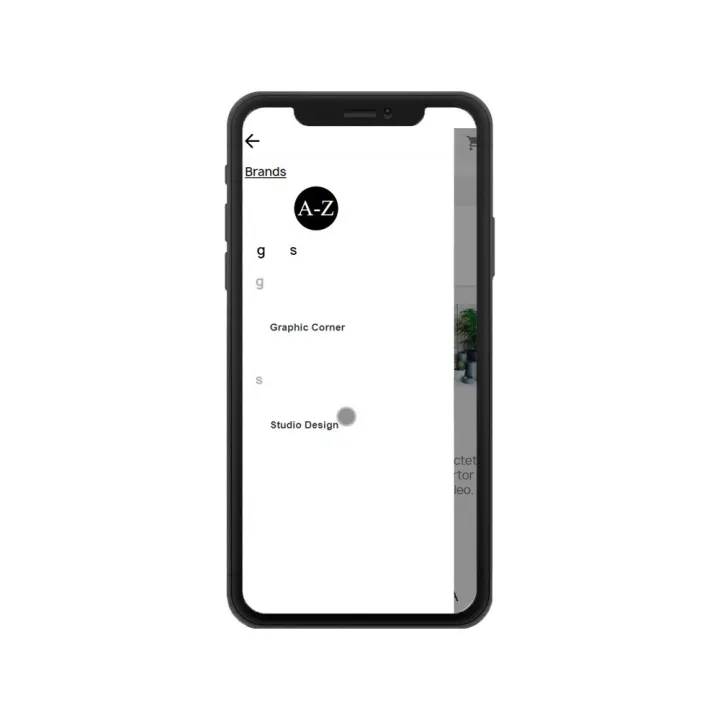
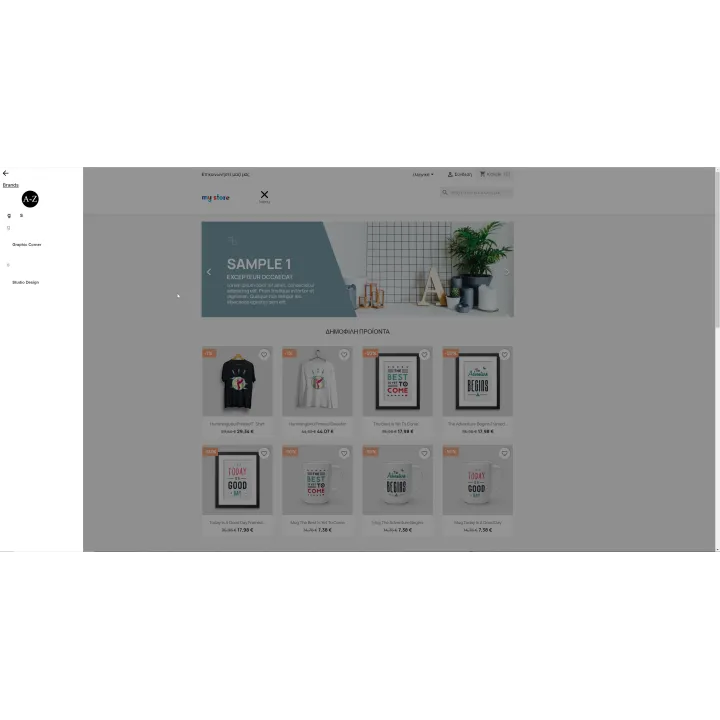
  • Present manufacturers in an alphabetical brand list.
  • Render the menu through its supported hook/widget placement.
  • Work with PrestaShop cache/CCC workflows supported by the module.

How it works

  1. Install the module and open its menu configuration.
  2. Add the categories, CMS pages, brands, links and store actions you want to expose.
  3. Arrange items and nesting with drag and drop.
  4. Configure icons, images and per-item presentation.
  5. Place/enable the menu in the supported hook or widget position and test it across mobile and desktop.

Who this module is for

PrestaShop stores that need deeper mobile navigation or want more control than a simple one-level menu provides, especially catalogues with several category levels or mixed content links.

What your customers will like

Customers can move through deep catalogues with a compact drilldown interaction and access important store actions without navigating a crowded desktop-style menu on mobile.

Installation

Installation follows the standard PrestaShop extension workflow. After activation, open the product settings and complete the configuration required for your store.

Before purchasing, make sure you have:

  • An active PrestaShop store.
  • A theme/hook placement compatible with the module output.
  • A menu structure planned for mobile as well as desktop, especially when using many nested categories.

Frequently asked questions

Can the menu include subcategories automatically?

Yes. Category items can include their child categories so you do not have to create every level manually.

Can I add CMS pages and custom links?

Yes. The menu supports catalogue categories, CMS pages, brands and custom links.

Can I change the item order?

Yes. The configuration uses drag-and-drop ordering.

Can I add icons or images?

Yes. The module supports visual elements such as icons/images for menu items.

Is it only for mobile?

No. It is designed for responsive use across mobile, tablet and desktop, with the drilldown interaction particularly useful on smaller screens.
Change log

Changes v1.4.17 (10/28/2025)

  • ScrollTop correction on IOS devices

Changes v1.4.16 (10/28/2025)

  • Loop correction on IOS devices
  • New language selection functionality
  • New currency selection functionality
  • CSS fixes
  • Multistore fix, CSS generate files for each shop
  • Bugfix for diactivated menu items
  • Fix scroll wheel button to open on an new tab
  • PrestaShop 9  compatibility

Comments (0)

No customer reviews for the moment.

3 other products in the same category

Loading...
Back to top