MyACS – ACS Courier Integration for PrestaShop
- Last update 03/11/2026
- PrestaShop version 1.7.X - 9.X
- Module version 3.0.1
Create ACS vouchers, track shipments and automate order-status updates directly from PrestaShop, with optional shipping-cost rules for your ACS workflow.
- Support3 months from the purchase date
- Download UpdatesFree download updates as long as you have active support
- License1 license per domain
- Current Versionv3.0.8
- Compatibilityv1.6.x
v1.7.x
v8.X
v9.X - Last Update Date (MM/DD/YYYY)03/11/2026
What this module does for you
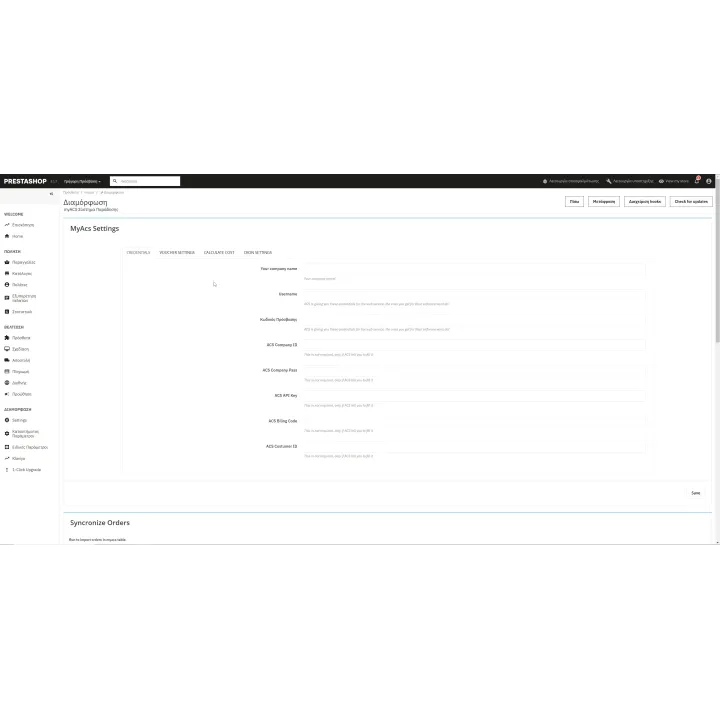
MyACS connects PrestaShop with ACS Courier Web Services so your team can create vouchers, store tracking references and follow shipments without repeatedly copying order data between systems. It can also automate tracking-driven order statuses and calculate shipping charges using configurable rules.
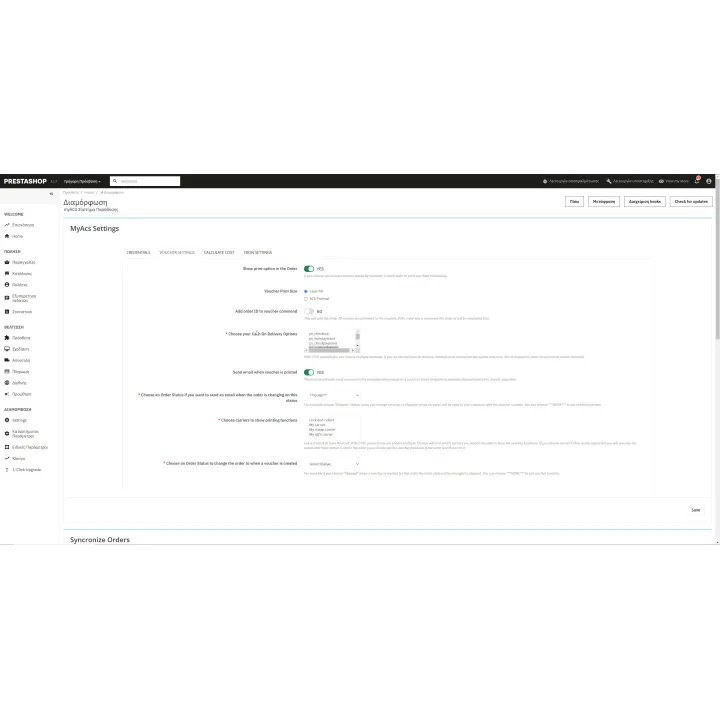
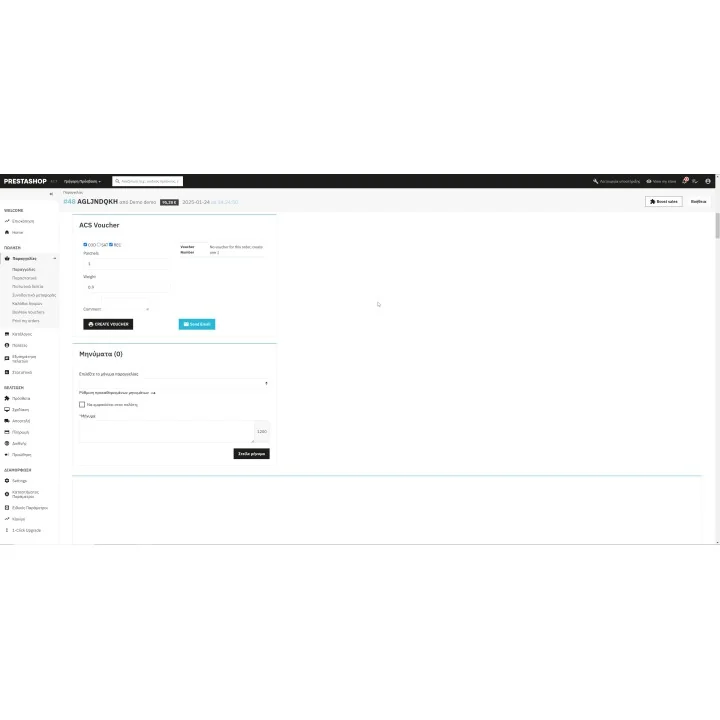
- Create and print ACS shipment vouchers directly from the PrestaShop Back Office.
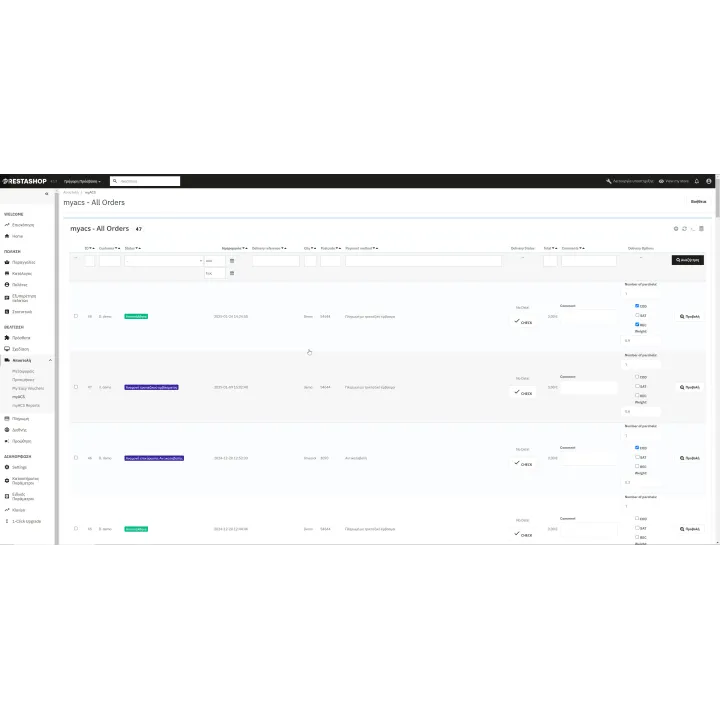
- Store and use ACS tracking references with the corresponding PrestaShop orders.
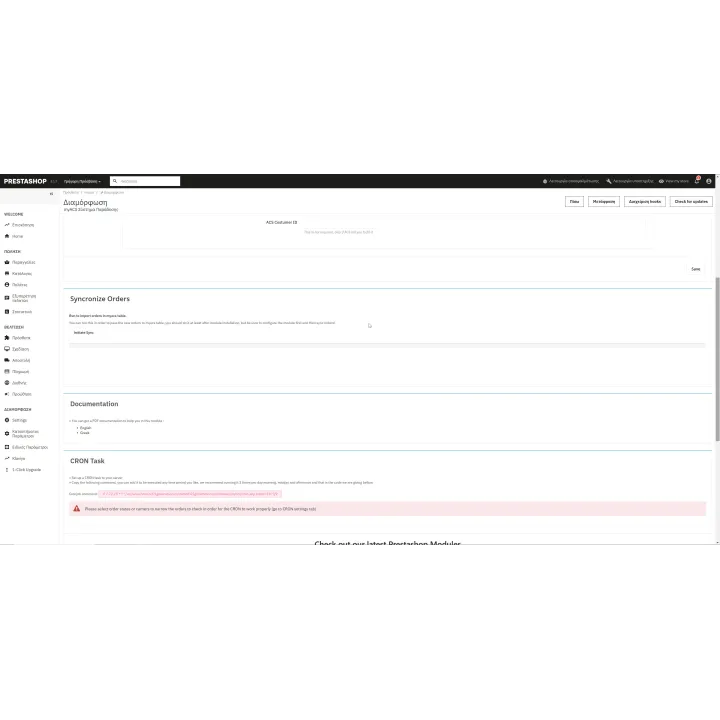
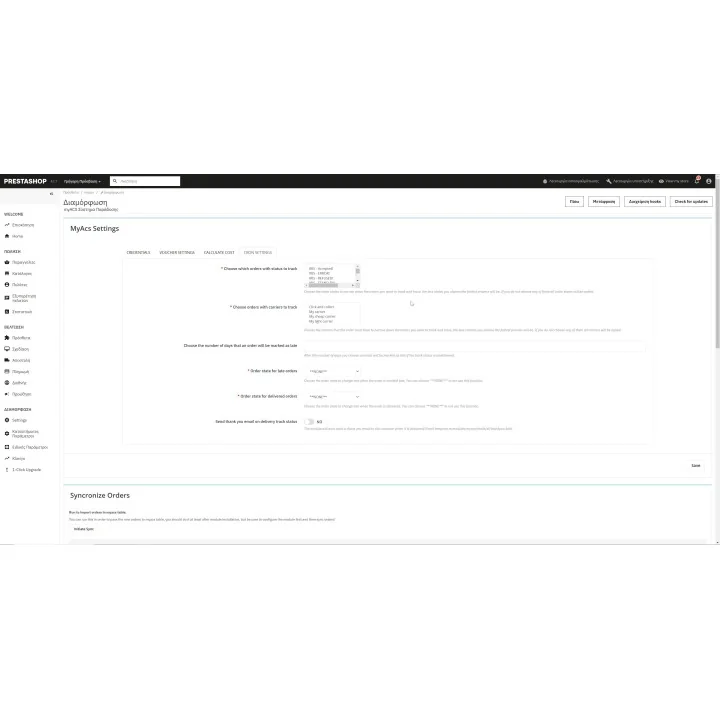
- Track shipments manually or through CRON and automatically move orders to the status you configure.
- Send shipment information to customers so they can follow their parcel.
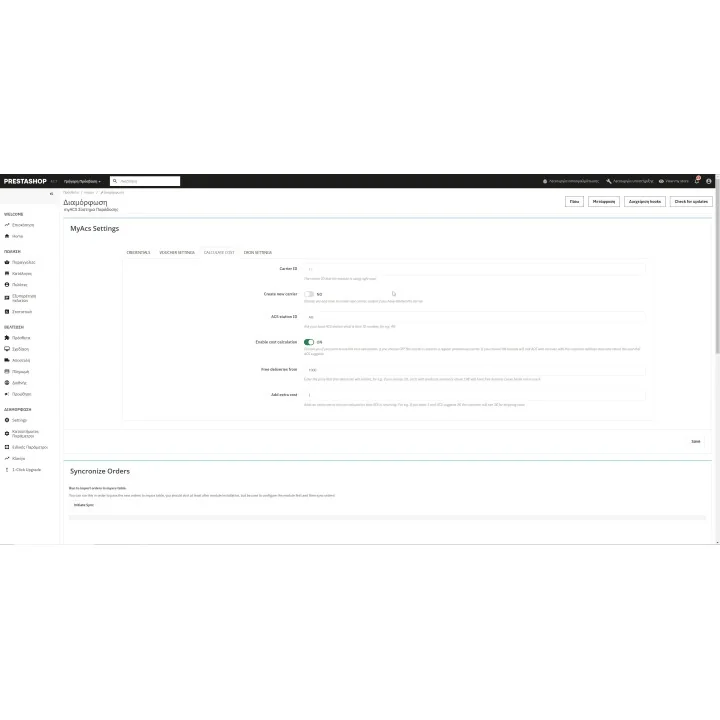
- Configure shipping costs with fixed charges, weight-based rules and optional hard-to-deliver address handling.
- Use ACS API v2 shipping-cost information where supported by your ACS setup.
- Provide logged-in customers with shipment tracking from the store when the front-office tracking hook is enabled.
How it works
- Obtain ACS Web Services credentials for your business account.
- Install MyACS and configure your ACS connection and shipping rules.
- Create ACS vouchers from PrestaShop orders and store the shipment reference.
- Print the voucher and send tracking information to the customer.
- Optionally schedule the CRON tracking task to keep order statuses updated automatically.
Who this module is for
PrestaShop merchants shipping with ACS Courier who want voucher creation, tracking and day-to-day courier work connected to their store instead of handled through repeated manual entry.
What your customers will like
Customers receive their ACS shipment reference and can follow delivery progress without needing to contact the store for every update.
Installation
Installation follows the standard PrestaShop extension workflow. After activation, open the product settings and complete the configuration required for your store.
Before purchasing, make sure you have:
- An active PrestaShop store.
- An ACS Courier business account with Web Services/API credentials.
- CRON access on your hosting if you want scheduled tracking and automatic status changes.
- Correct shipping-cost configuration if you use the optional rate-calculation features.
Frequently asked questions
Do I need ACS Web Services credentials?
Yes. MyACS communicates with ACS services and requires the credentials supplied for your business account.
Can I create ACS vouchers from PrestaShop?
Yes. Voucher creation and printing are handled from the PrestaShop Back Office.
Can order statuses update automatically?
Yes. The CRON tracking workflow can check ACS shipment results and move orders to the status you configure.
Can the module calculate shipping charges?
Yes. It includes configurable fixed and weight-based rules, plus ACS-related address/cost options described in the module settings.
Can customers track their shipments?
Yes. Shipment information can be included in customer communication and the module can expose tracking to logged-in customers through its front-office hook.
Change log
Changes v3.0.8 (03/11/2026)
- Updated pickup list printing to ACS API flow (
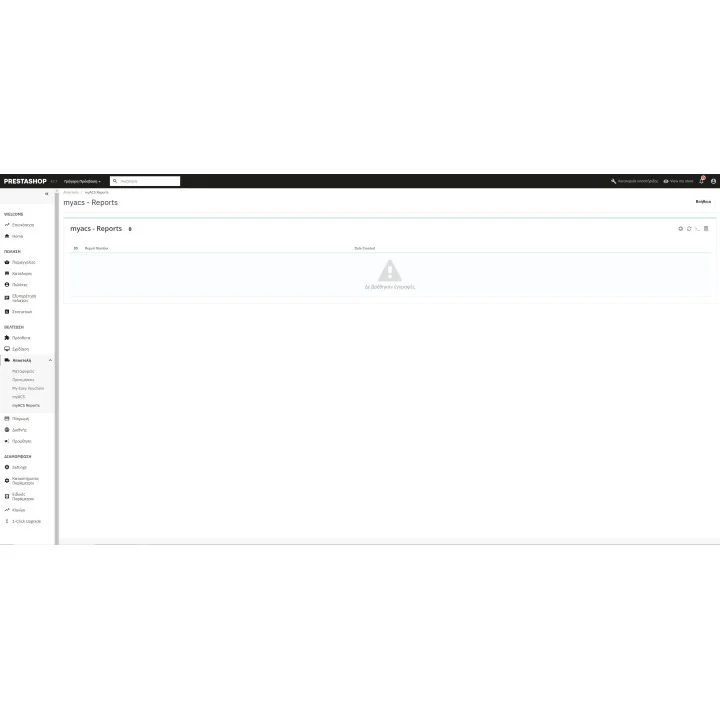
ACS_Issue_Pickup_List+ACS_Print_Pickup_List). - Admin report reprint now uses the same API flow (removed legacy
Eshops/getlist.aspxlink). - Improved ACS error handling and standardized API key usage (
MYACS_APIKEY).
Changes v3.0.7 (02/27/2026)
- Fixed print option thermal and A4 bug
- Fixed mysql query
Changes v3.0.6 (02/02/2026)
- Fixed PDF Merger on PS 1.6.X and PS 1.7.X
- Fixed View on PS 1.6.X
- Fixed JS on PS 1.6.X
Changes v3.0.5 (01/28/2026)
- Updated ACS Web Service Printing methods that will take place from 02/28/2026
- Fixed Cash on delivery bug modules
- Fixed carrier selected bug
Changes v3.0.4 (03/07/2025)
- Enter a way to recreate the carrier that is used for cost calculation
- entered the option to add the order id on the voucher commends
- new documantation
Changes v3.0.3 (02/17/2025)
- new config panel and functions
- new option with in the order to print it solo, as well as other function like truck or cancel
- CRON functionality added to check deliveries status and change order satus according to the new config options you choose on CRON tab
- simplified the cost calculation
Comments (0)
Your review appreciation cannot be sent
Report comment
Report sent
Your report cannot be sent