IrisPay – IRIS Payments via DIAS API for PrestaShop
- Last update 07/24/2025
- PrestaShop version 1.7.X - 9.X
- Module version 1.1.4
Accept online IRIS payments in PrestaShop through the DIAS API, with QR/web-banking flow, payment status synchronization and tools for pending orders.
- Support3 months from the purchase date
- Download UpdatesFree download updates as long as you have active support
- License1 license per domain
- Current Version1.1.4
- Compatibilityv1.7.x
v8.X - Last Update Date (MM/DD/YYYY)07/24/2025
What this module does for you
IrisPay integrates PrestaShop with the IRIS/DIAS online payment service. It provides an API-based payment flow for stores that have the required DIAS merchant access, including payment initiation, status checks and tools to keep pending orders synchronized.
- Accept online IRIS payments through the DIAS API/web services integration.
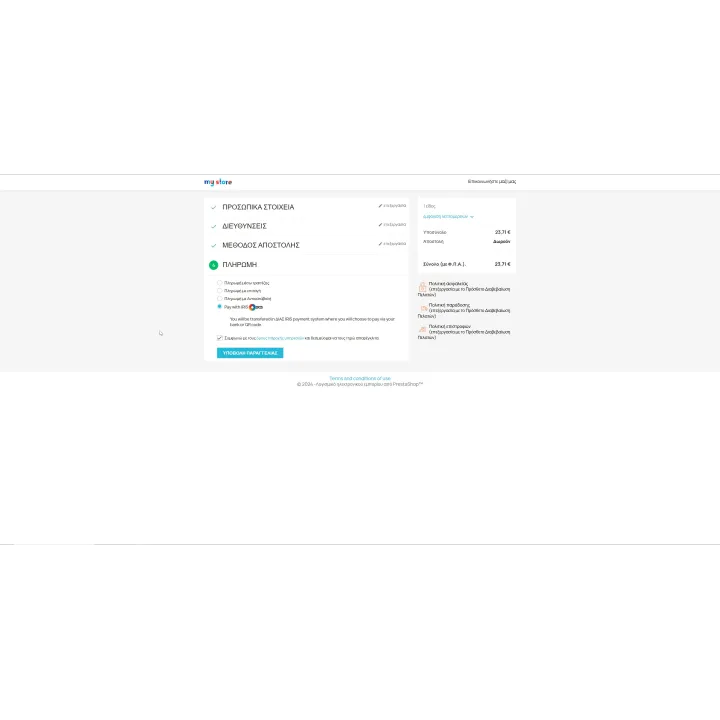
- Present the customer with the supported IRIS QR/web-banking payment flow.
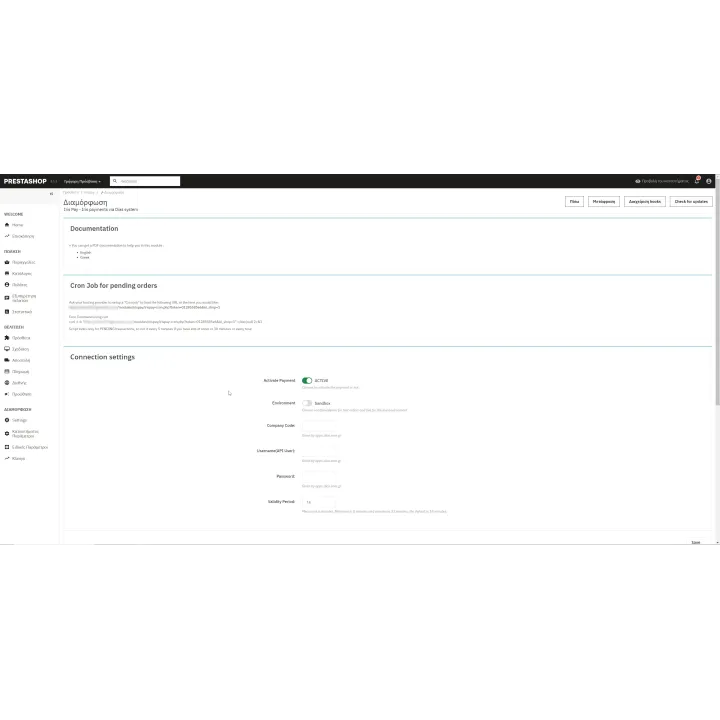
- Use separate sandbox and live connection settings for testing and production.
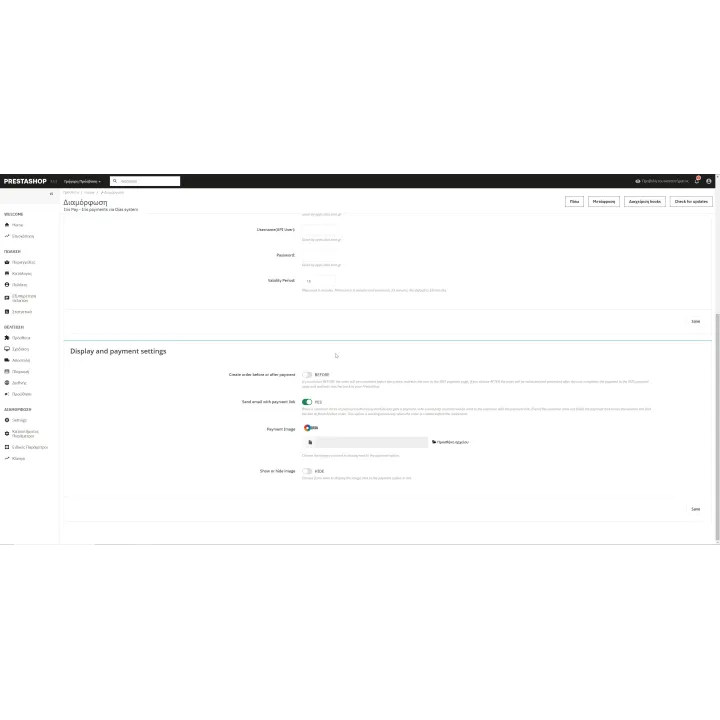
- Choose the supported order-creation workflow before or after payment according to your configuration.
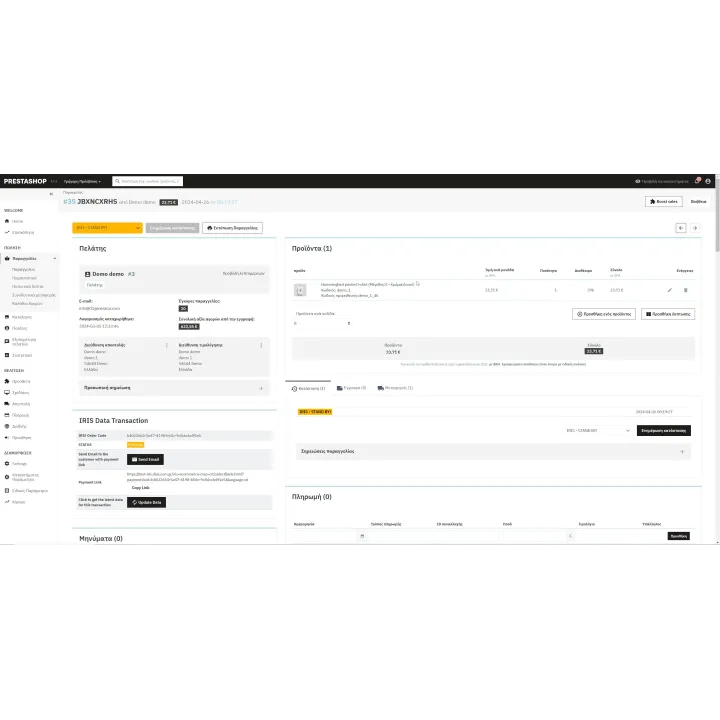
- Generate a payment link for a pending order when the customer still needs to complete payment.
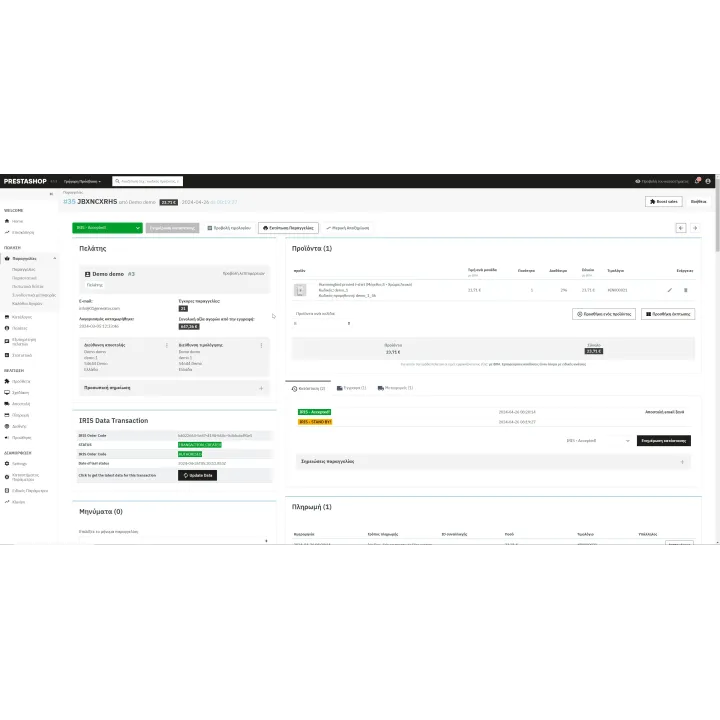
- Refresh transaction/payment status manually from the order workflow.
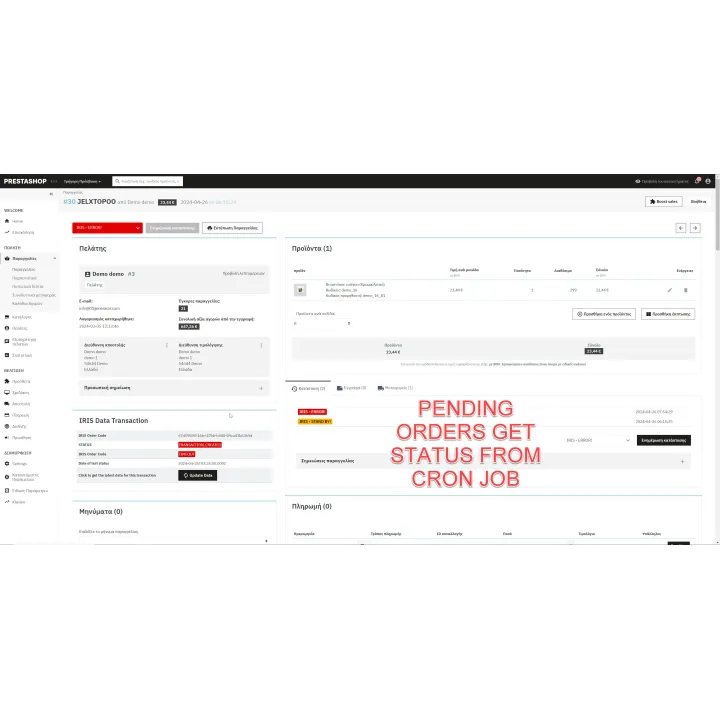
- Use CRON to synchronize pending payment results automatically.
How it works
- Obtain DIAS/IRIS merchant access and the required API credentials.
- Configure IrisPay first in the appropriate test/sandbox environment.
- Set the order-creation and status behavior for your store.
- The customer chooses IRIS and completes the supported QR/web-banking payment flow.
- PrestaShop checks the transaction result manually or through the scheduled synchronization workflow.
Who this module is for
Greek PrestaShop merchants with DIAS/IRIS API access who want a real online IRIS payment integration rather than a manual/offline payment instruction method.
What your customers will like
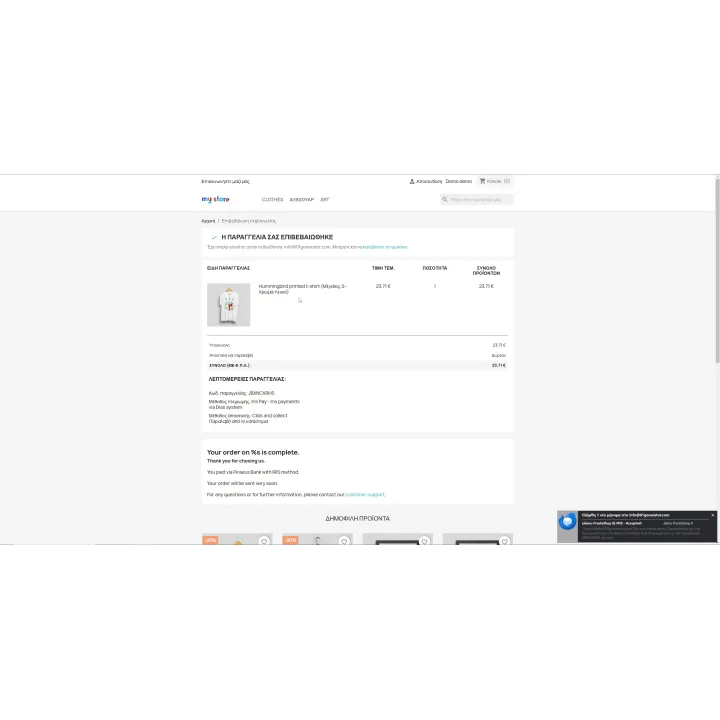
Customers can complete an IRIS payment through the supported bank/QR flow and the store can keep payment status connected to the order automatically.
Installation
Installation follows the standard PrestaShop extension workflow. After activation, open the product settings and complete the configuration required for your store.
Before purchasing, make sure you have:
- An active PrestaShop store.
- An approved DIAS/IRIS merchant account with API/Web Services credentials.
- Access to the sandbox/test configuration required before production.
- CRON access if you want scheduled synchronization of pending payments.
Frequently asked questions
Is this the API-based IRIS integration?
Yes. IrisPay communicates with the DIAS/IRIS web services. It is different from the SimpleIRIS offline/manual payment module.
Do I need DIAS/IRIS API credentials?
Yes. The module requires approved merchant access and the credentials supplied for the API service.
Can I test before production?
Yes. The module supports separate sandbox/test and live configuration.
Can a pending order receive a payment link?
Yes. The module includes a workflow to generate a payment link for a pending order.
Can payment statuses synchronize automatically?
Yes. Pending transactions can be checked through the available CRON synchronization workflow.

Comments (0)
Your review appreciation cannot be sent
Report comment
Report sent
Your report cannot be sent