VivaPay – Viva Payments Integration for PrestaShop
- Last update 02/03/2026
- PrestaShop version 1.7.X - 9.X
- Module version 2.0.9
Connect PrestaShop with Viva Payments Smart Checkout, handle online payments, refunds, instalment scenarios and Back Office payment links in one payment workflow.
- Support3 months from the purchase date
- Download UpdatesFree download updates as long as you have active support
- License1 license per domain
- Current Version2.0.9
- Compatibilityv1.7.x
v8.X
v9.X - Last Update Date (MM/DD/YYYY)02/03/2026
What this module does for you
VivaPay connects PrestaShop with Viva Payments Smart Checkout and gives the merchant control over how paid and pending orders are handled. It supports the normal online checkout flow together with useful Back Office actions such as refunds and payment links for orders created by staff.
- Accept online payments through Viva Payments Smart Checkout.
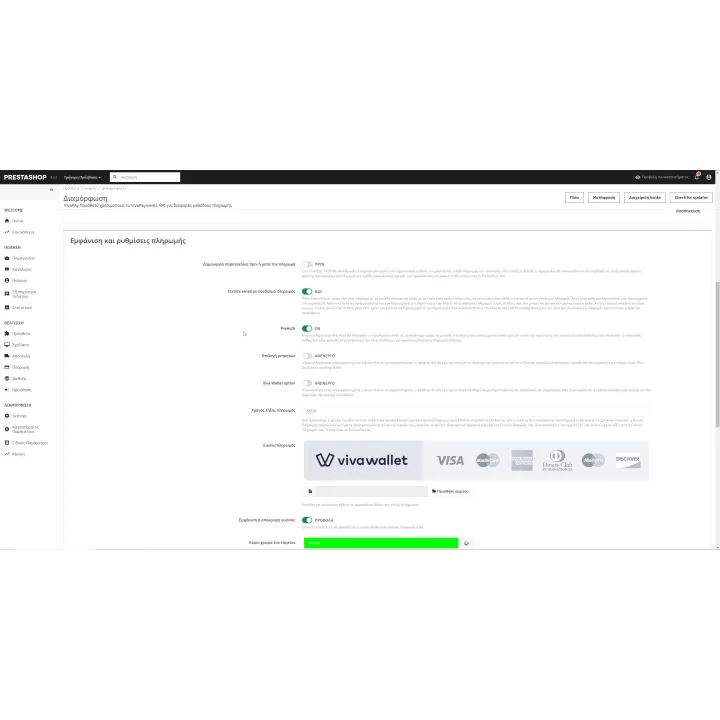
- Choose whether the PrestaShop order is created before or after successful payment according to your preferred workflow.
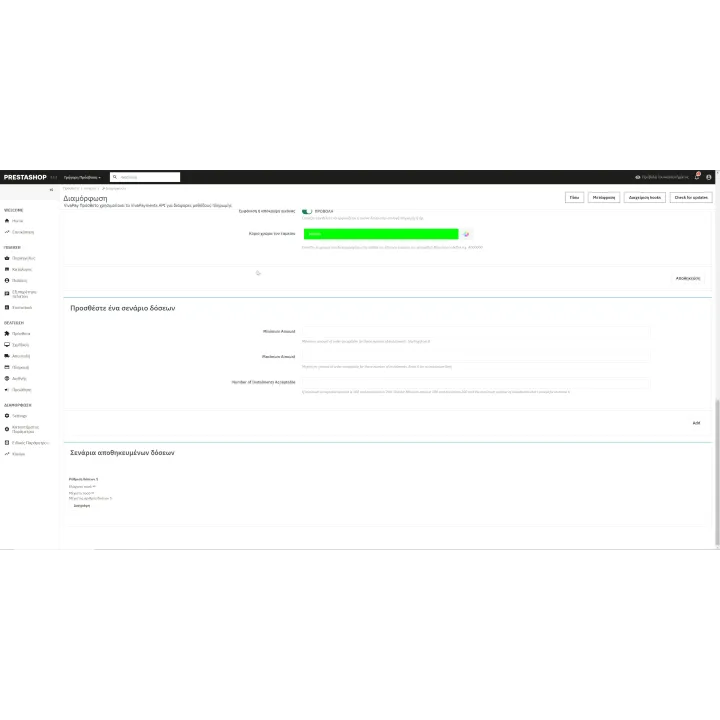
- Configure instalment scenarios based on the order total when instalments are available for your Viva account.
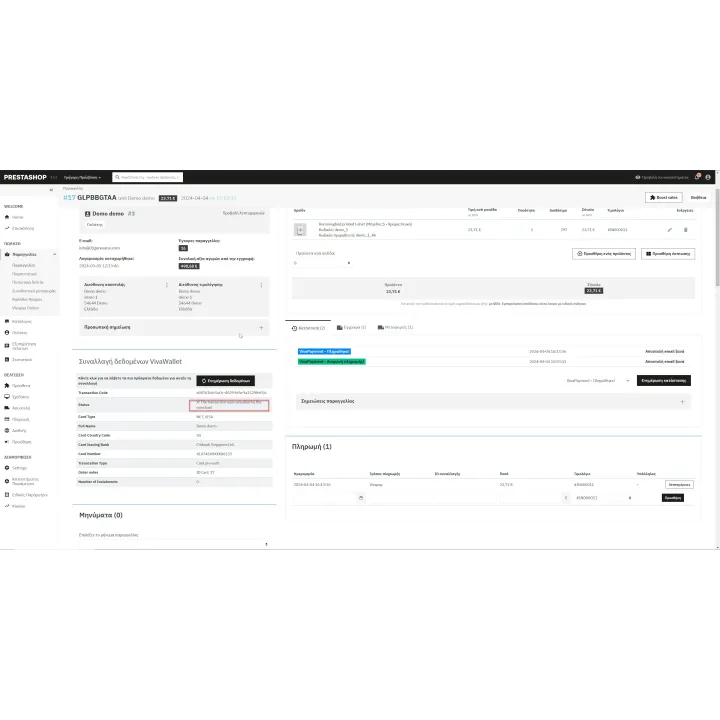
- Store useful Viva transaction information with the PrestaShop order.
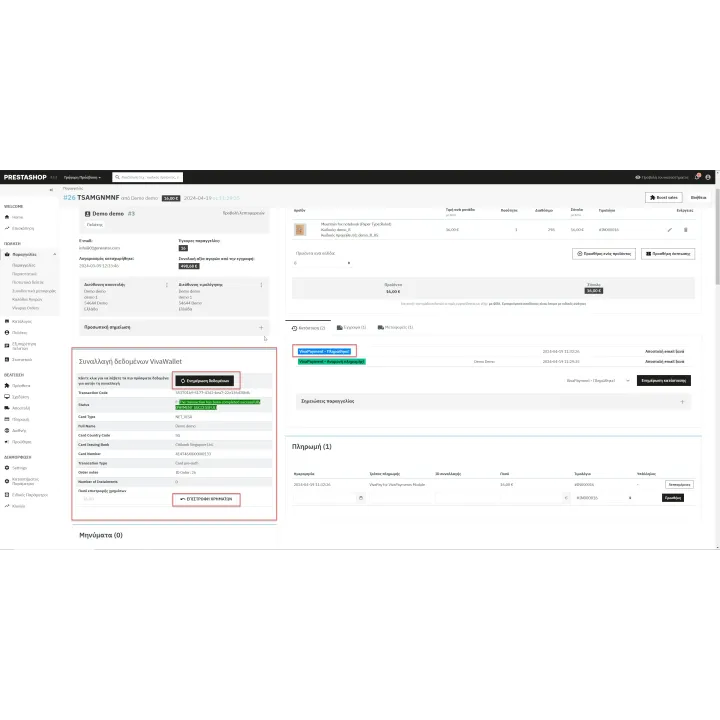
- Trigger supported refunds from the order workflow.
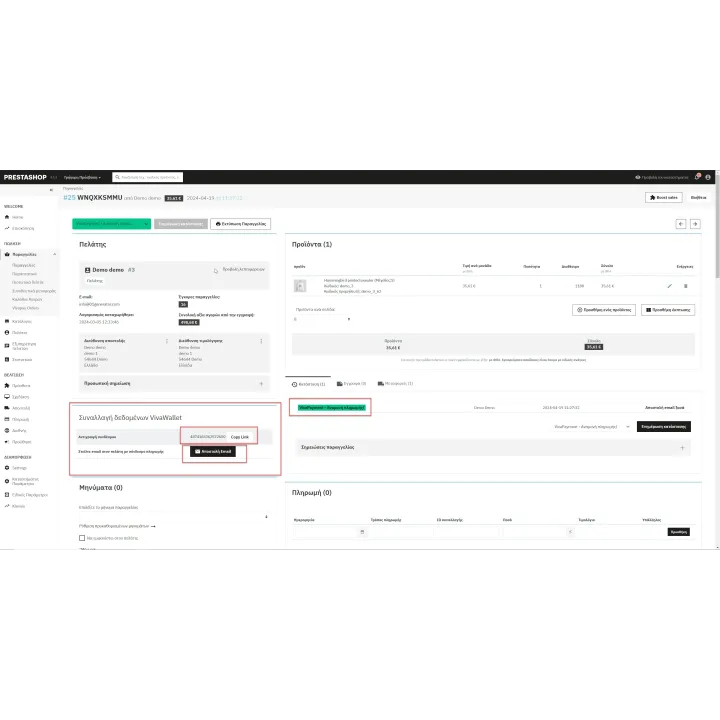
- Create a Back Office order and send the customer a payment link when payment must be completed remotely.
- Use preauthorization when it is enabled and appropriate for your Viva Payments setup.
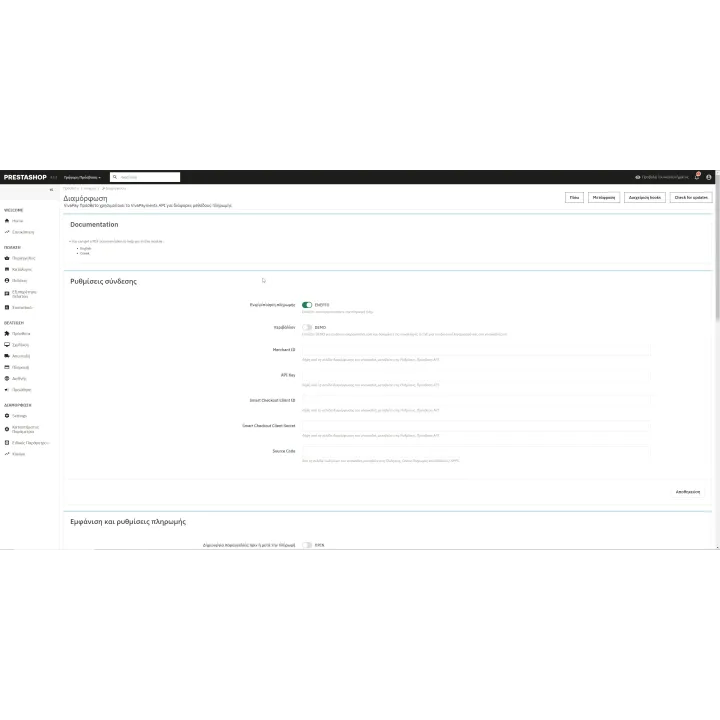
- Keep demo/test and live configuration separate.
How it works
- Create/configure the required Viva Payments source and API credentials for your merchant account.
- Install VivaPay and enter the demo or live connection details.
- Choose your order-creation, status and instalment settings.
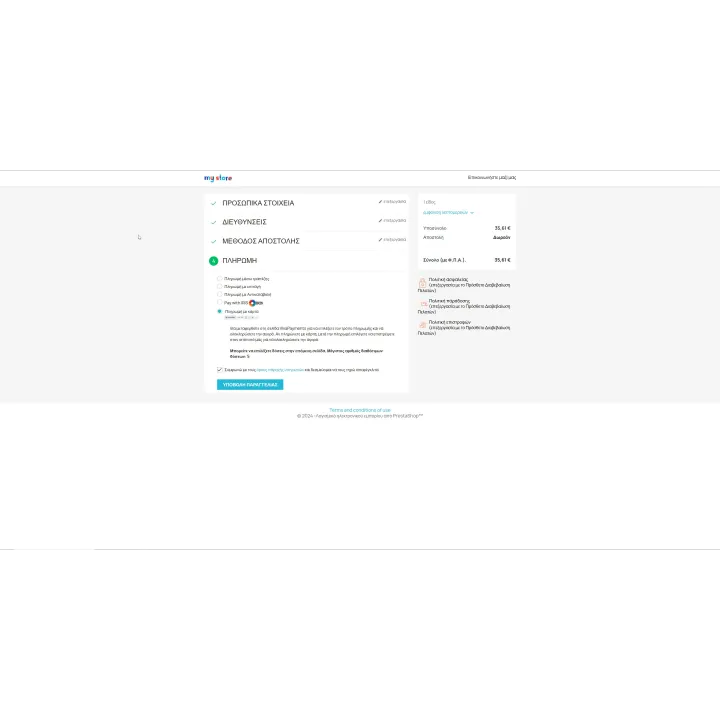
- Customers select Viva Payments at checkout and complete payment through Smart Checkout.
- Manage transaction information, payment links or supported refunds from the PrestaShop order workflow.
Who this module is for
PrestaShop merchants using Viva Payments who want the payment flow, transaction data and common follow-up actions integrated with their store instead of handled separately.
What your customers will like
Customers complete card payment through Viva Payments Smart Checkout and can receive a payment link for eligible Back Office-created orders when the merchant uses that workflow.
Installation
Installation follows the standard PrestaShop extension workflow. After activation, open the product settings and complete the configuration required for your store.
Before purchasing, make sure you have:
- An active PrestaShop store.
- An active Viva Payments business account.
- The API/source configuration required by Viva Payments for your account.
- Correct demo/live settings before moving the store into production.
Frequently asked questions
Do I need a Viva Payments business account?
Yes. VivaPay connects to Viva Payments services and requires your merchant/API configuration.
Does it use Viva Smart Checkout?
Yes. The module is built around the Viva Payments Smart Checkout payment flow.
Can I create an order in the Back Office and ask the customer to pay later?
Yes. The module includes a payment-link workflow for eligible Back Office-created orders.
Can I refund a Viva transaction from the order?
The module includes supported refund actions from the PrestaShop order workflow.
Can I test before going live?
Yes. Demo/test and live connection settings are handled separately so you can validate the integration before production use.
Change log
Changes v3.0.6 (02/03/2026)
- PrestaShop 9.X compatibility
Comments (0)
Your review appreciation cannot be sent
Report comment
Report sent
Your report cannot be sent