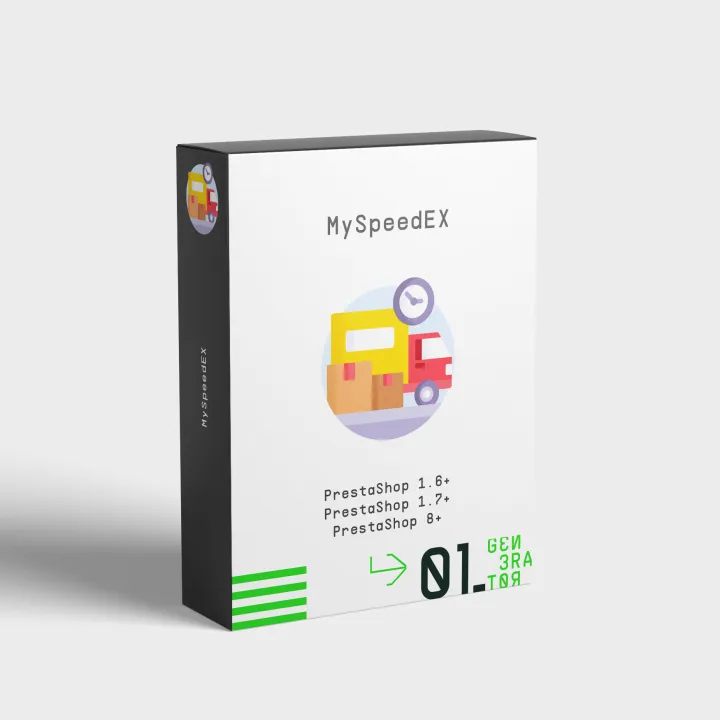
MySpeedex – Speedex Courier Integration for PrestaShop
- Last update 08/06/2024
- PrestaShop version 1.7.X - 9.X
- Module version 2.0.7
Create Speedex vouchers and delivery reports from PrestaShop, track shipments and automate customer and order-status updates.
- Support3 months from the purchase date
- Download UpdatesFree download updates as long as you have active support
- License1 license per domain
- Current Version2.0.7
- Compatibilityv1.6.x
v1.7.x
v8.X - Last Update Date (MM/DD/YYYY)08/06/2024
What this module does for you
MySpeedex connects your PrestaShop store with Speedex Courier so your team can create shipment references and handle courier work from the Back Office instead of re-entering order data in separate systems.
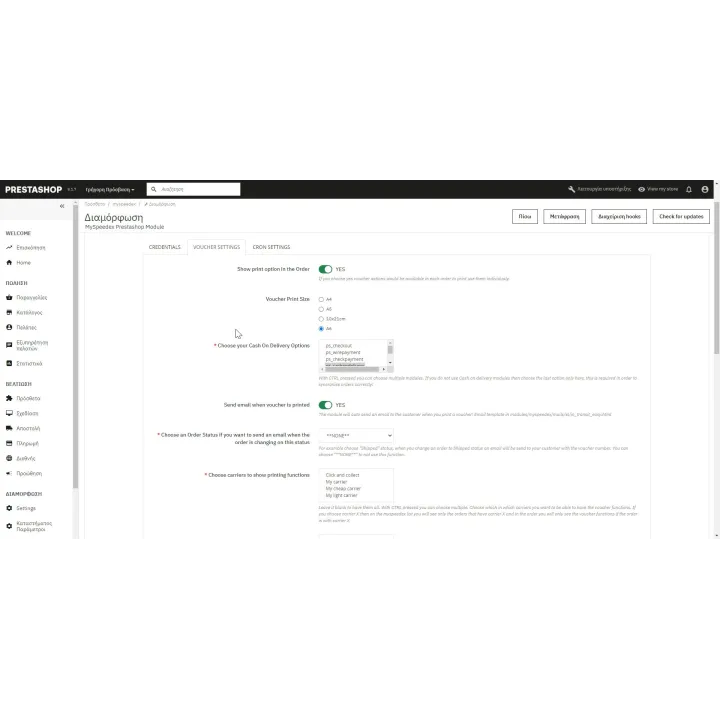
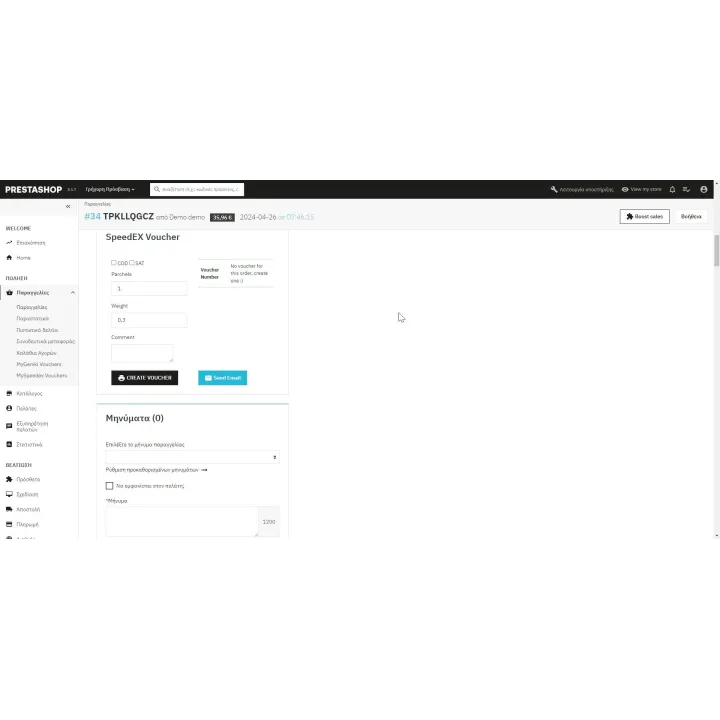
- Create shipment vouchers for Speedex Courier directly from PrestaShop orders.
- Store the shipment reference with the order instead of copying tracking numbers between systems.
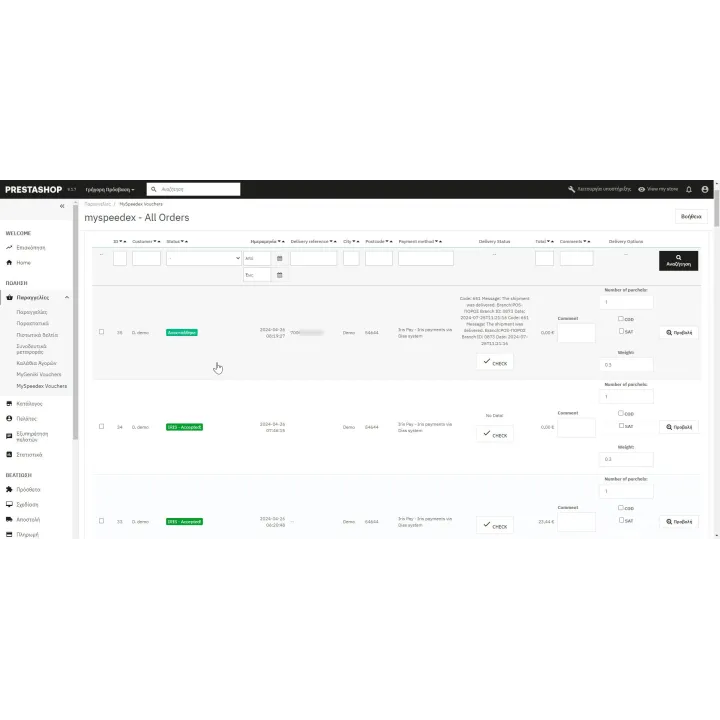
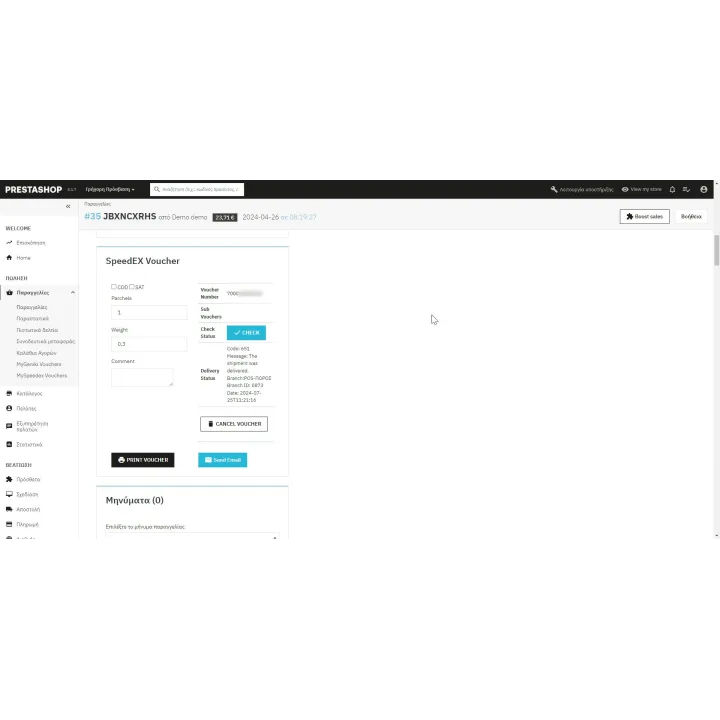
- Track shipments and keep courier information connected to the corresponding PrestaShop order.
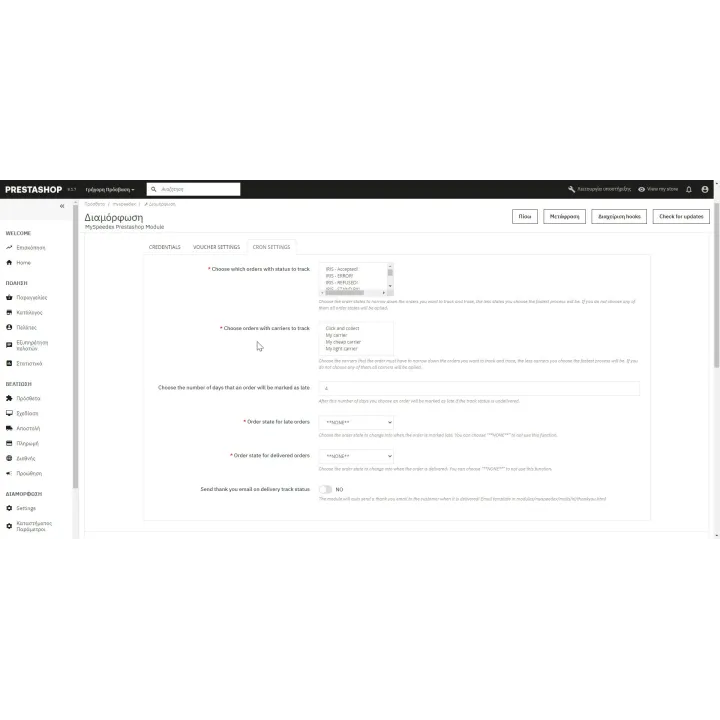
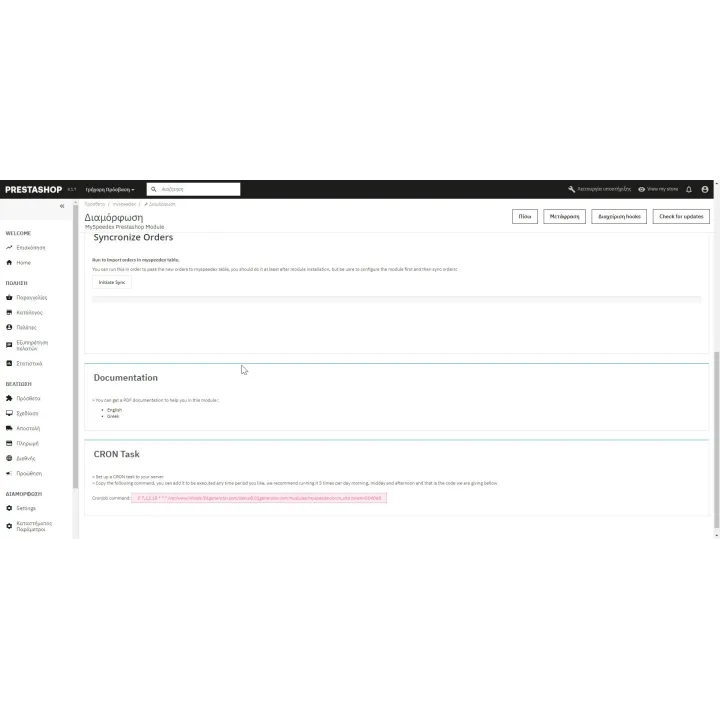
- Use scheduled CRON tracking where supported to automate delivered or delayed order statuses.
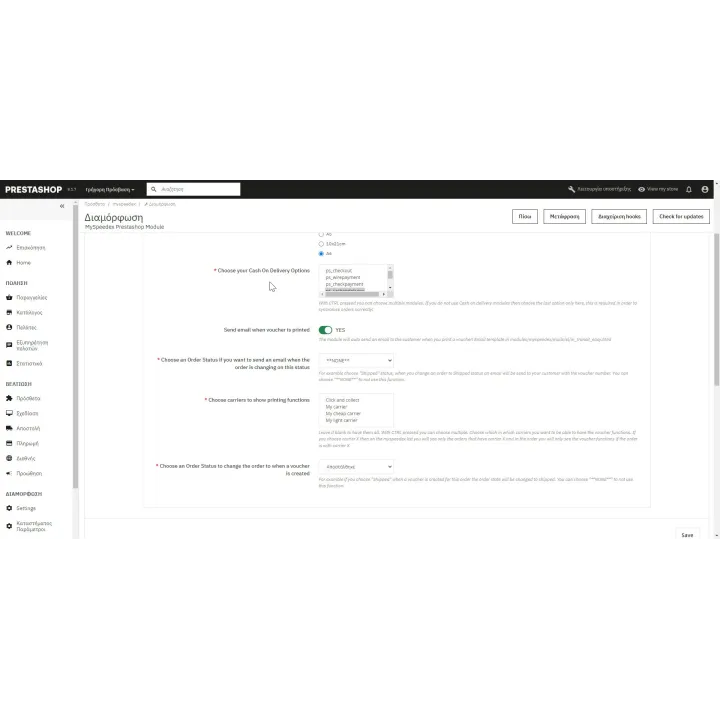
- Send shipment/tracking information to customers as part of the order workflow.
- Generate the Speedex delivery report required by the courier workflow.
How it works
- Obtain the required Speedex Courier Web Services/API credentials for your business account.
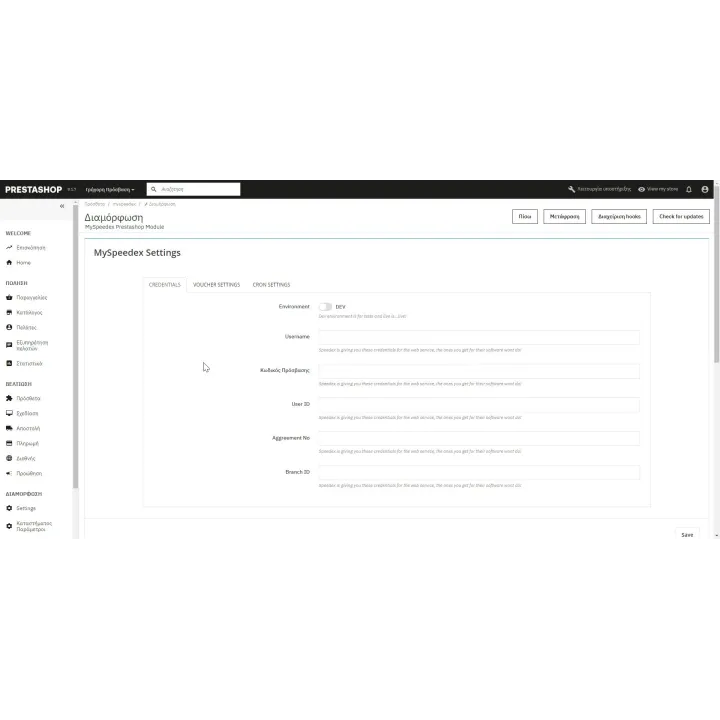
- Install MySpeedex and configure the courier connection and default shipment settings.
- Open a PrestaShop order and create the courier shipment/voucher.
- Print or manage the shipment and send tracking information to the customer.
- Optionally use the available tracking automation to keep order statuses updated.
Who this module is for
PrestaShop merchants shipping with Speedex Courier who want to reduce repetitive courier data entry and manage shipments from their existing order workflow.
What your customers will like
Customers receive useful tracking information automatically and can follow their shipment without having to contact the store for routine delivery updates.
Installation
Installation follows the standard PrestaShop extension workflow. After activation, open the product settings and complete the configuration required for your store.
Before purchasing, make sure you have:
- An active PrestaShop store.
- An active Speedex Courier business account with the required Web Services/API access.
- The PHP SOAP extension enabled on the server.
- A suitable printer if you want to print courier labels/documents from the Back Office.
Frequently asked questions
Do I need Speedex Courier credentials?
Yes. MySpeedex communicates with Speedex Courier services and requires the credentials/access supplied for your business account.
Can I create courier vouchers from PrestaShop?
Yes. The module is designed to create and manage shipment references from the PrestaShop Back Office.
Can customers receive tracking information?
Yes. The module can include shipment/tracking information in the customer order workflow.
Can order statuses be automated?
The module includes tracking automation where supported by the carrier workflow, including CRON-based status handling described in its configuration.
Does this replace my courier contract?
No. You still need your own business agreement/account with the courier company.
Comments (0)
Your review appreciation cannot be sent
Report comment
Report sent
Your report cannot be sent