GreekLish – Greek-to-Latin Friendly URLs for PrestaShop
- Last update 11/19/2025
- PrestaShop version 1.7.X - 9.X
- Module version 1.1.0
Convert Greek product, category and CMS friendly URLs to Latin/Greeklish slugs through the normal PrestaShop save workflow for cleaner shareable links.
- Support3 months from the purchase date
- Download UpdatesFree download updates as long as you have active support
- License1 license per domain
- Current Versionv1.1.1
- Compatibilityv1.7.x
v8.X - Last Update Date (MM/DD/YYYY)11/19/2025
About module
- Version
- 1.1.0
- Last update
- 11/19/2025
- Available in
- English, Greek
What this module does for you
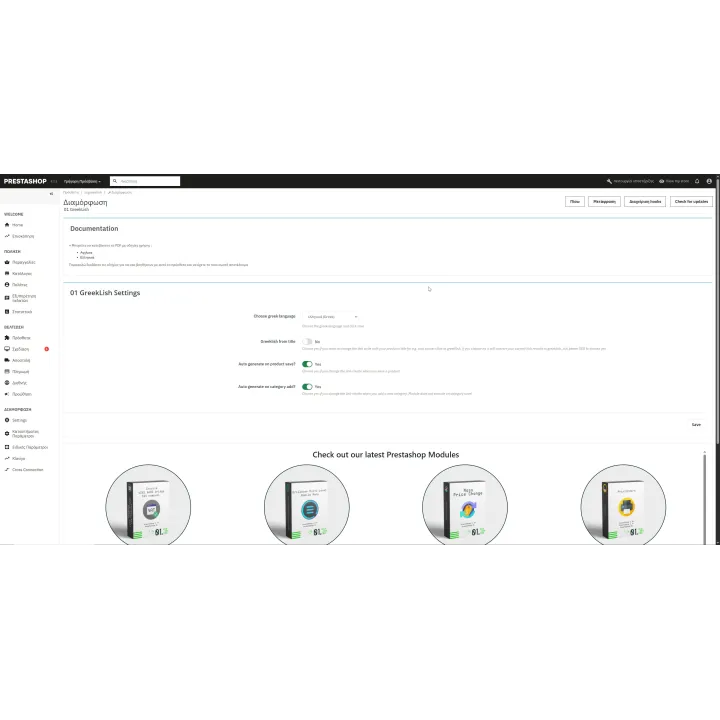
GreekLish helps Greek PrestaShop stores replace Greek characters in friendly URL slugs with Latin/Greeklish equivalents. Instead of blindly editing database values, the module uses the PrestaShop save process so the generated link_rewrite values follow the platform workflow.
- Convert Greek friendly URL slugs to Latin/Greeklish equivalents.
- Work with product, category and CMS link_rewrite values covered by the module.
- Use the normal PrestaShop save workflow instead of direct blind database replacement.
- Create URLs that are easier to type, copy and share in environments where Latin slugs are preferred.
- Reduce manual editing when many Greek catalogue/content URLs need transliteration.
How it works
- Take a full database backup and review which current URLs are already indexed or linked externally.
- Install and configure GreekLish for the entities you want to process.
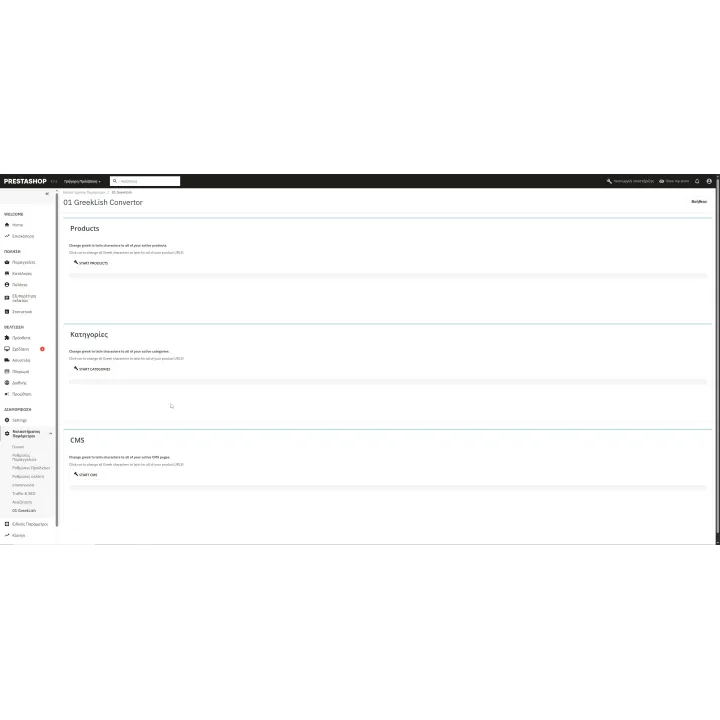
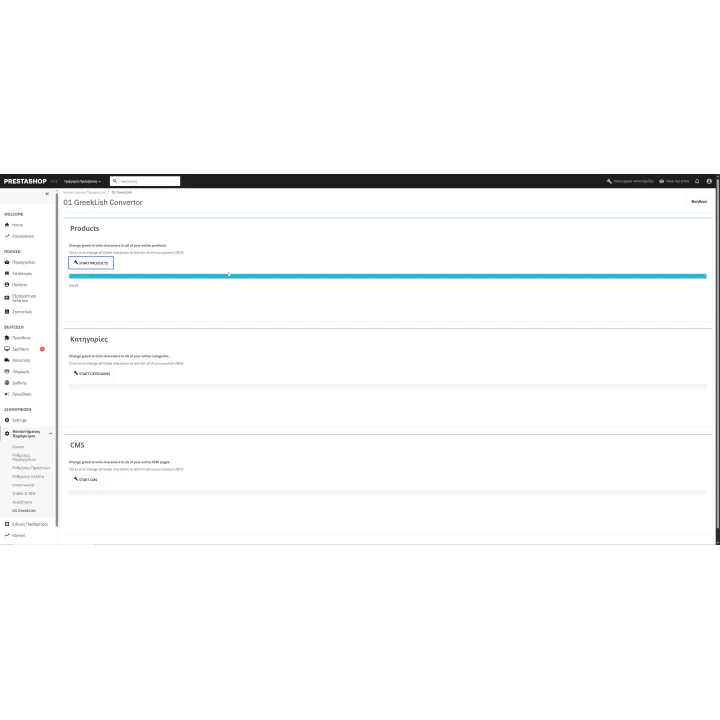
- Run the module conversion workflow so PrestaShop saves the new Latin/Greeklish slugs.
- Review the resulting URLs and internal links.
- Create appropriate redirects/SEO migration rules for any public URLs that changed.
Who this module is for
Greek PrestaShop stores that prefer Latin-character friendly URLs and need a structured way to transliterate existing Greek slugs.
What your customers will like
Visitors get cleaner URLs that are easier to copy, type and share when Latin-character links are preferred.
Installation
Installation follows the standard PrestaShop extension workflow. After activation, open the product settings and complete the configuration required for your store.
Before purchasing, make sure you have:
- An active PrestaShop store.
- A full database backup before changing existing friendly URLs.
- An SEO/redirect plan for any URL that is already indexed, shared or linked externally.
- A post-change crawl to confirm internal links and redirects after conversion.
Frequently asked questions
What does GreekLish change?
It converts supported Greek friendly URL/link_rewrite values to Latin/Greeklish equivalents.
Does it edit the database blindly?
The product is designed to use the PrestaShop save workflow rather than simply replacing values directly in the database.
Can changing friendly URLs affect SEO?
Yes. Any change to an existing public URL can affect indexing and external links, so redirects and migration planning are important.
Should I back up before using it?
Yes. Back up the database before making bulk URL changes.
Is this a one-click SEO improvement?
No. It is a URL-management/transliteration tool. Whether changing existing URLs is worthwhile depends on your current SEO situation.

Comments (0)
Your review appreciation cannot be sent
Report comment
Report sent
Your report cannot be sent