SMS & Viber Notifications with Yuboto for PrestaShop
- Last update 08/09/2026
- PrestaShop version 1.7.X - 9.X
- Module version 1.2.1
Send automatic or manual SMS/Viber order notifications from PrestaShop through Yuboto, with multilingual templates, tracking placeholders, fallback rules and message history.
- Support3 months from the purchase date
- Download UpdatesFree download updates as long as you have active support
- License1 license per domain
- Current Versionv1.2.1
- Compatibilityv1.7.x
v8.X
v9.X - Last Update Date (MM/DD/YYYY)08/09/2026
What this module does for you
This module connects PrestaShop with Yuboto so order communication can happen automatically when statuses change or manually when staff need to send a one-off message. Build multilingual templates, include order/tracking data and keep a history of what was sent.
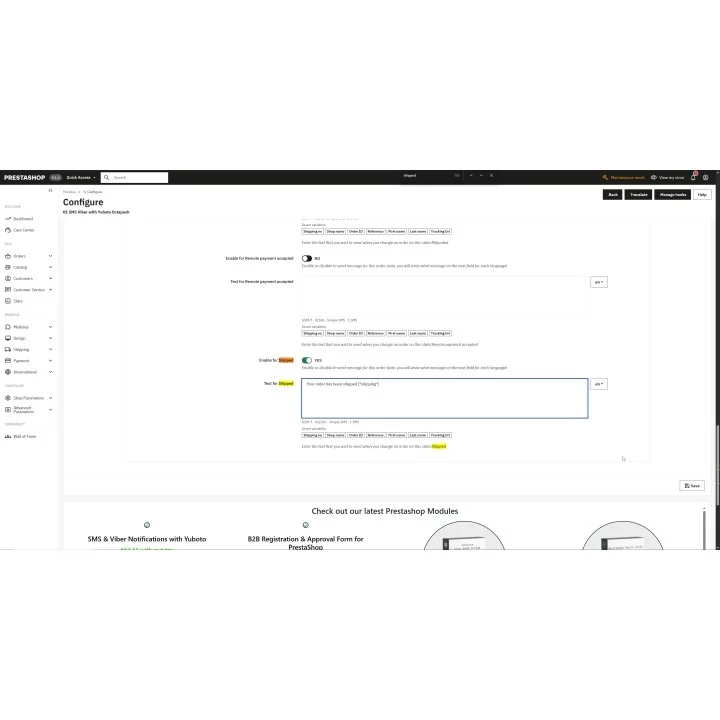
- Send automatic messages when an order enters the statuses you configure.
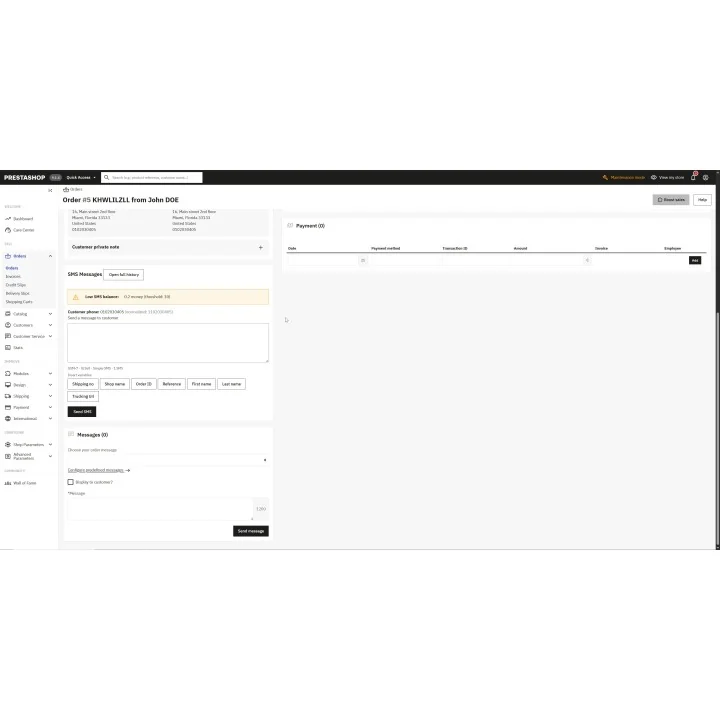
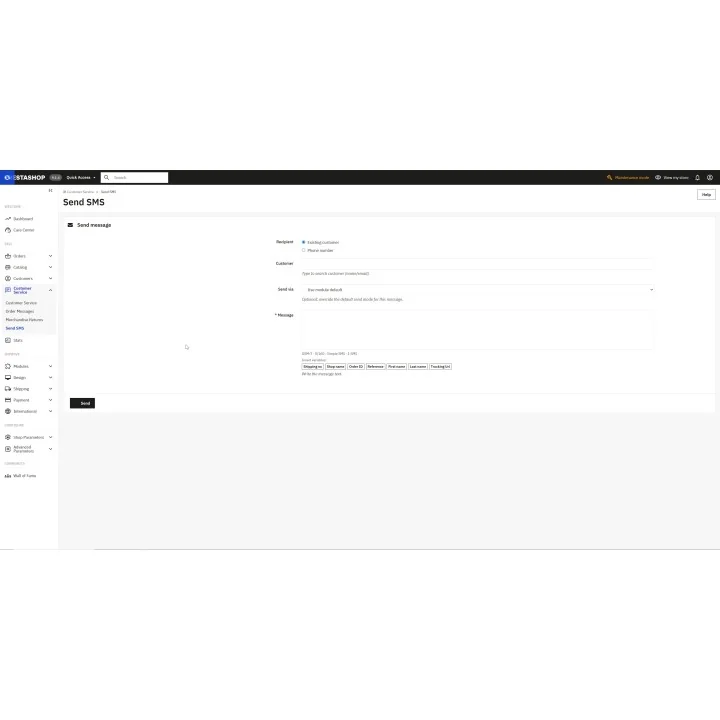
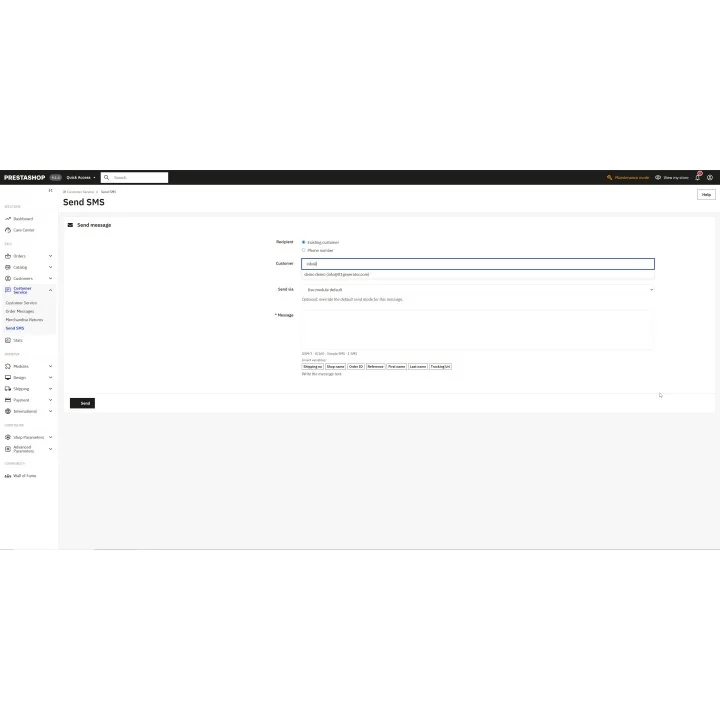
- Send manual one-off messages directly from the order workflow.
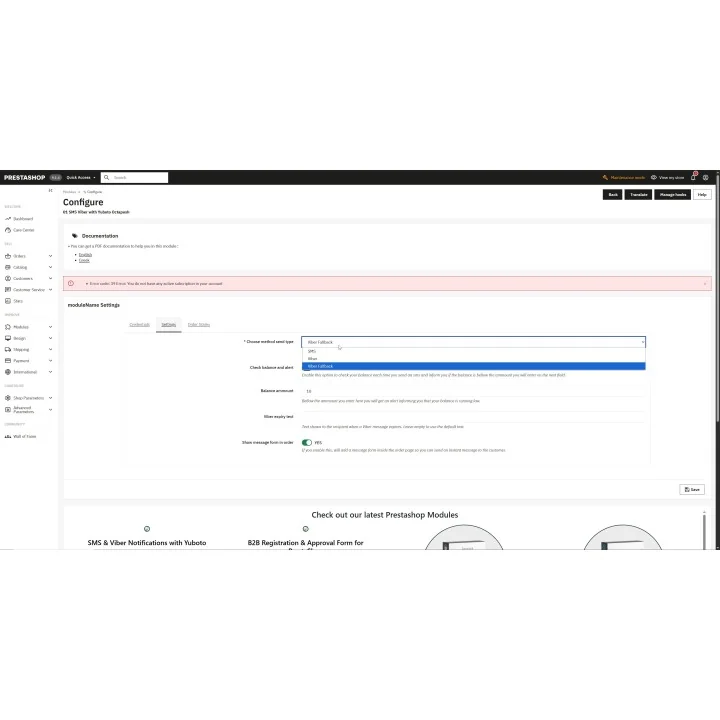
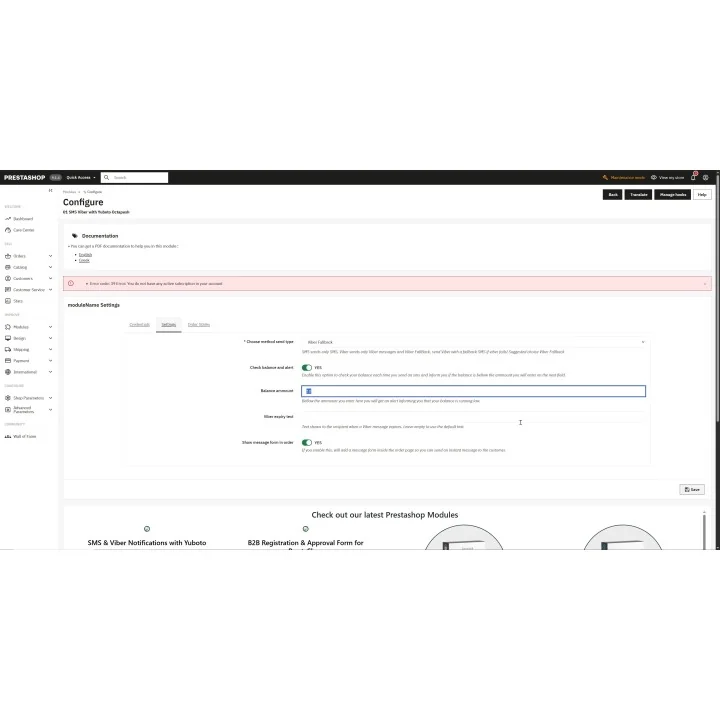
- Choose SMS only, Viber only or Viber with SMS fallback according to your messaging setup.
- Create different message templates per language.
- Insert dynamic values such as shipment/tracking number, shop name, order ID/reference and customer name.
- Handle GSM-7 and Unicode message length/splitting so staff can see how the message is composed.
- Monitor the configured Yuboto balance warning and messaging setup.
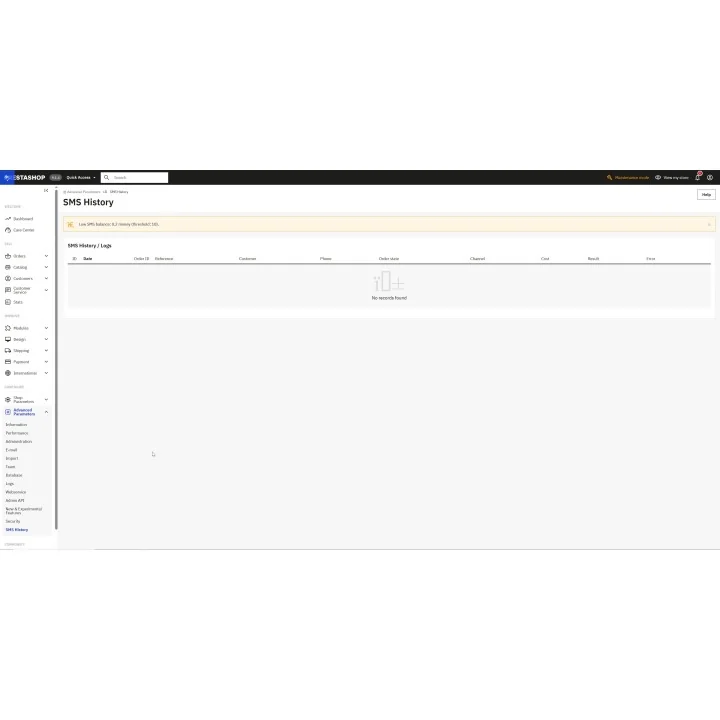
- Keep message history with useful channel, status and cost information returned by the messaging workflow.
How it works
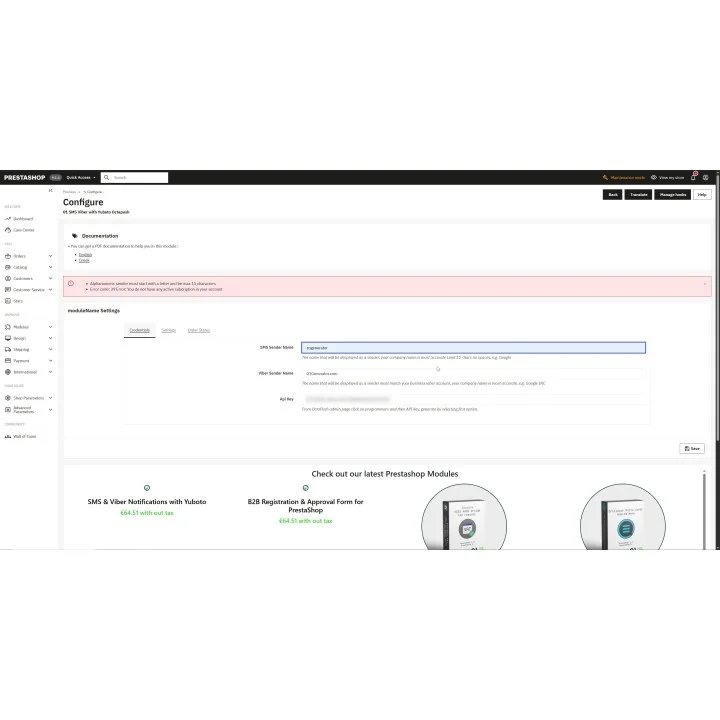
- Create/prepare your Yuboto Octapush account, API credentials and approved sender names.
- Install the module and connect it to Yuboto.
- Create the EN/EL or other language templates for the order statuses you use.
- Choose SMS, Viber or fallback behavior for each workflow.
- Let order statuses trigger messages automatically or send a custom message from an order when needed.
Who this module is for
PrestaShop merchants who want shipping/order communication to leave the inbox and happen automatically through SMS or Viber, while retaining manual messaging when customer service needs it.
What your customers will like
Customers receive timely order and tracking updates on channels they notice quickly, without waiting for staff to send each message by hand.
Installation
Installation follows the standard PrestaShop extension workflow. After activation, open the product settings and complete the configuration required for your store.
Before purchasing, make sure you have:
- An active PrestaShop store.
- An active Yuboto/Octapush account with API credentials.
- Approved sender name(s) required by your Yuboto messaging setup.
- Message templates and order-status rules appropriate for each enabled language/channel.
Frequently asked questions
Can messages send automatically by order status?
Yes. You can map message templates to the order-status workflow configured in the module.
Can I send a manual message from an order?
Yes. Staff can send a one-off custom message when an automatic template is not appropriate.
Does it support Viber with SMS fallback?
Yes. The module includes SMS-only, Viber-only and Viber-with-SMS-fallback messaging modes.
Can templates include tracking/order values?
Yes. Supported placeholders include shipment/tracking data, shop name, order identifiers and customer information.
Do I need a Yuboto account?
Yes. Sending is performed through Yuboto/Octapush and requires your API credentials and approved sender configuration.

Comments (0)
Your review appreciation cannot be sent
Report comment
Report sent
Your report cannot be sent