Rated out of 5 stars based on review(s)
€62.00
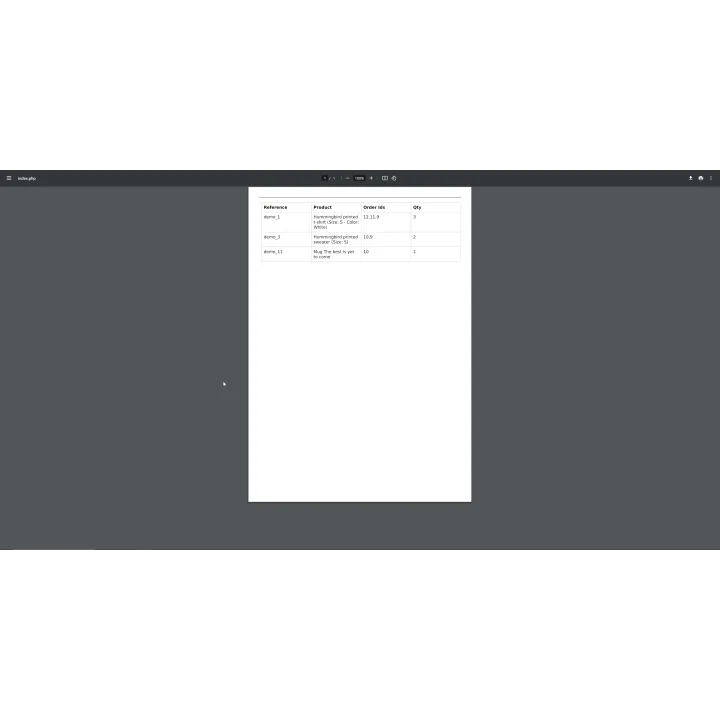
Select multiple PrestaShop orders and generate one printable PDF with order details plus an aggregated picking list for faster warehouse preparation.
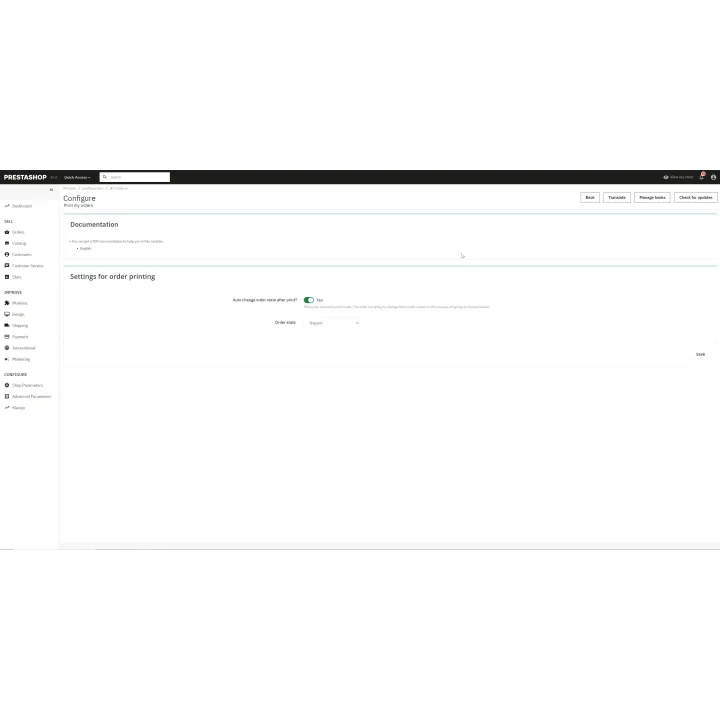
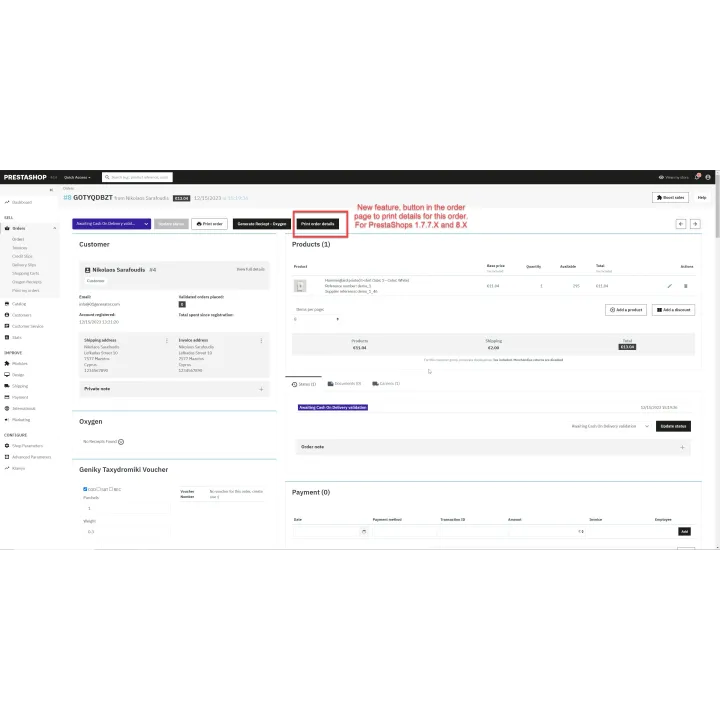
Mass Print Orders & Picking Lists for PrestaShop images
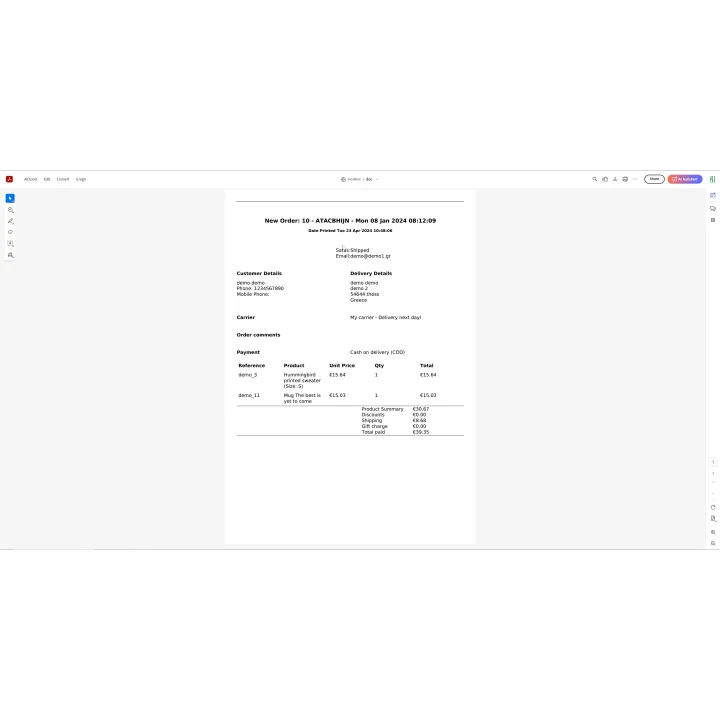
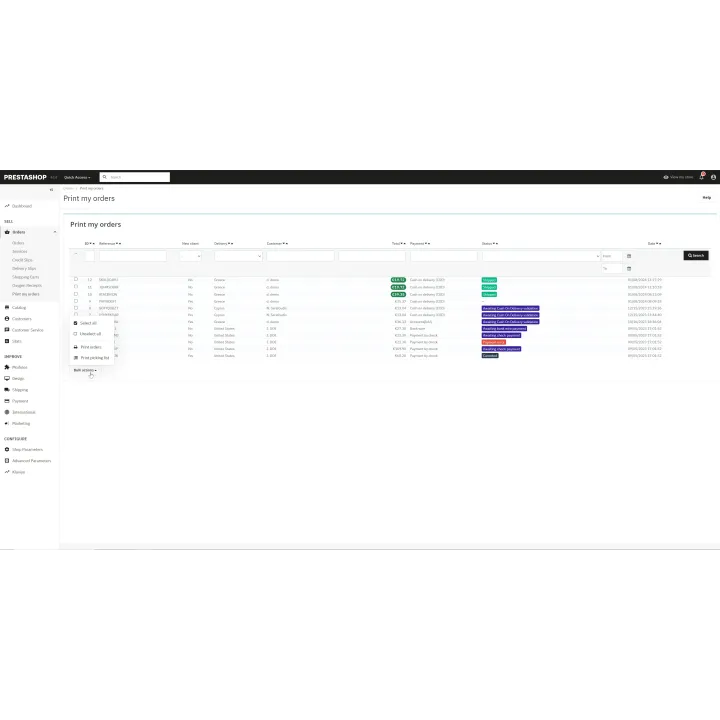
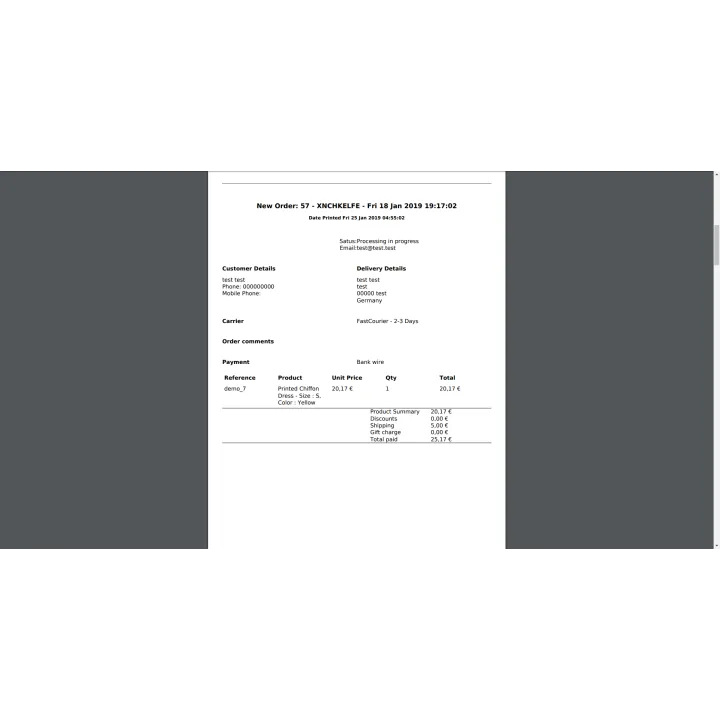
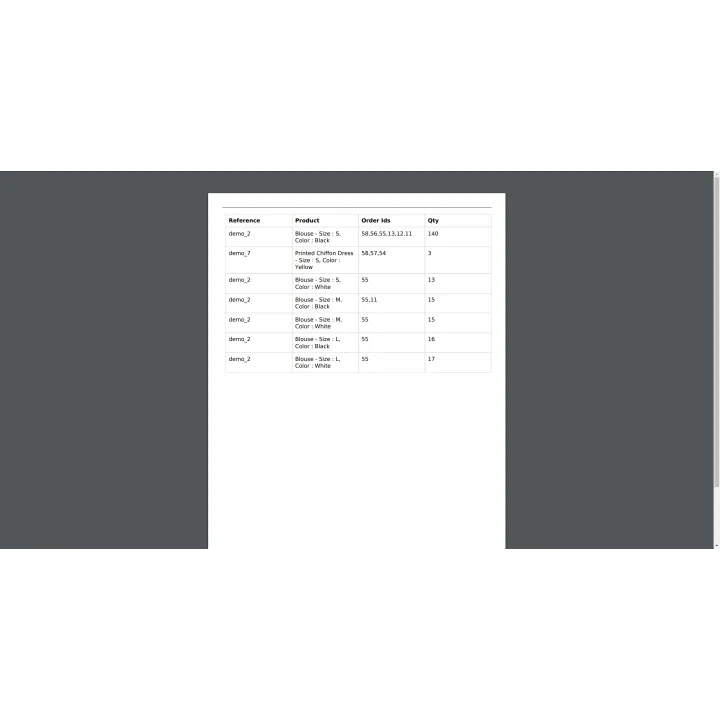
Mass Print Order Details turns a batch of PrestaShop orders into one printable workflow. Instead of opening and printing orders one by one, staff can select the orders they need, create a combined PDF and use an aggregated product list to prepare the batch.
PrestaShop stores that prepare several orders at a time and want a faster printing and picking workflow for warehouse or order-processing staff.
This is a Back Office productivity module. Customers benefit indirectly from faster, more organized order preparation and fewer manual fulfilment steps.
Installation follows the standard PrestaShop extension workflow. After activation, open the product settings and complete the configuration required for your store.
Before purchasing, make sure you have:
Yes. The module generates a combined PDF for the selected orders.
Yes. It can aggregate products and quantities from the selected orders into a preparation list.
Yes. You can configure an order status to apply after the print workflow.
No. It is designed for Back Office order preparation.
Yes. The combined order documents and aggregated picking list are intended to reduce repetitive fulfilment work.
Comments (0)
Your review appreciation cannot be sent
Report comment
Report sent
Your report cannot be sent