Follow us on:

🏖️ SUMMER SALES 2026 20% TO ALL!
 USE CODE SUMMER26

00 Days
00 Hours
00 Minutes
00 Seconds

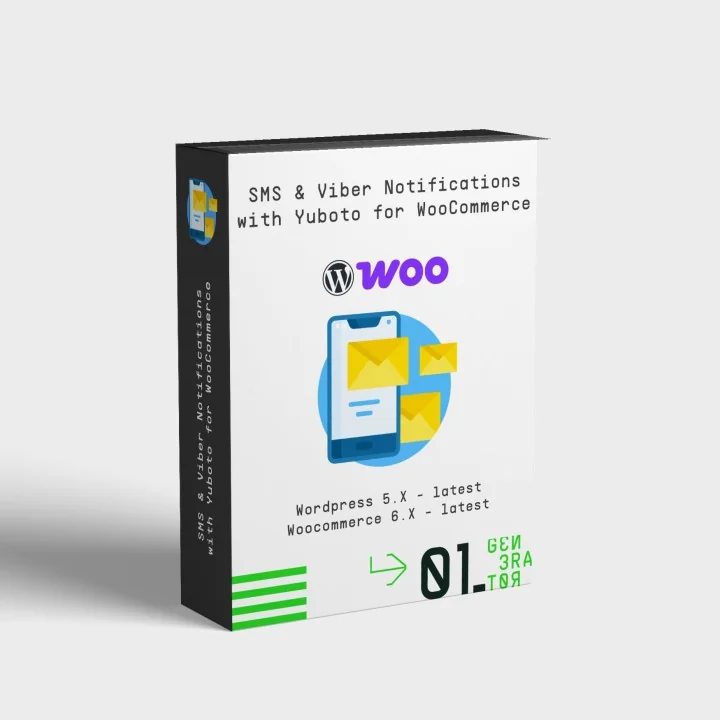
SMS & Viber Notifications with Yuboto for WooCommerce

  • Last update 08/25/2026
  • WooCommerce version 5.X - 10.X
  • Module version 0.3.5

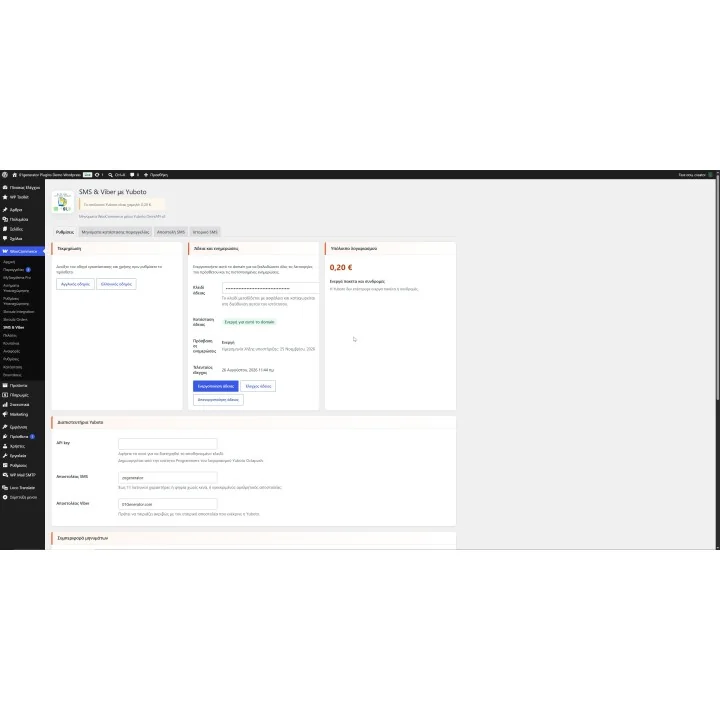
Send automatic SMS and Viber notifications from WooCommerce with Yuboto, using order-status triggers, multilingual templates, tracking variables, manual messages and delivery reports.
Price: €79.99
Tax included
  • Open Source Code
  • 3 months upon purchase with unlimited downloads while support is active
  • Each purchase equals to one license of use, each license is valid for only one Store. Each license is registered to one domain.
€79.99
  • Support
    3 months from the purchase date
  • Download Updates
    Free download updates as long as you have active support
  • License
    1 license per domain
  • Current Version
    0.3.5
  • Compatibility
    v6.X
    v7.X
    v5.X
  • Last Update Date (MM/DD/YYYY)
    08/25/2026

About module

Version
0.3.5
Last update
08/25/2026
Available in
English, Greek
Read documentation

What this plugin does for you

SMS & Viber Notifications with Yuboto connects WooCommerce with the Yuboto Octapush service so you can keep customers informed automatically as their orders move through your store. Configure messages once for the WooCommerce statuses that matter and let the plugin send the appropriate SMS or Viber notification using the language stored with each order.

  • Send automatic customer notifications when an order enters selected WooCommerce statuses.
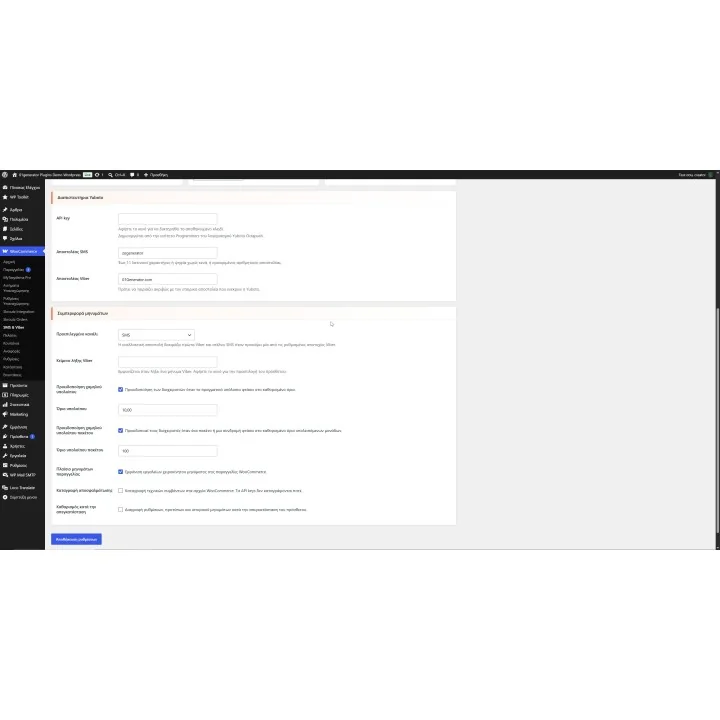
  • Choose SMS, Viber or Viber with SMS fallback as your default communication channel.
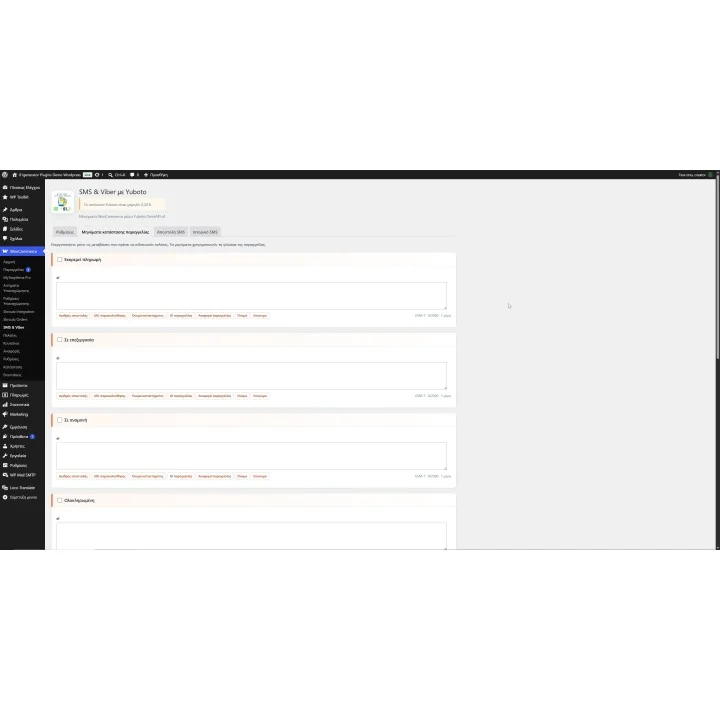
  • Create different message templates for each installed store language.
  • Automatically select the message language from the locale stored with the WooCommerce order.
  • Use dynamic order variables for customer name, order number, shop name, shipment reference and tracking URL.
  • Include shipment or tracking information when another plugin has already saved it with the order.
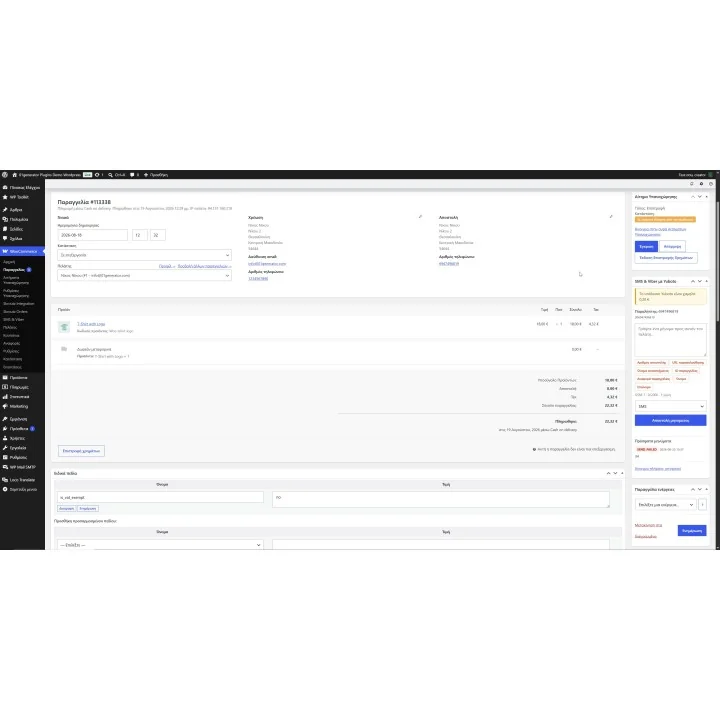
  • Send a manual SMS or Viber message directly from an individual WooCommerce order.
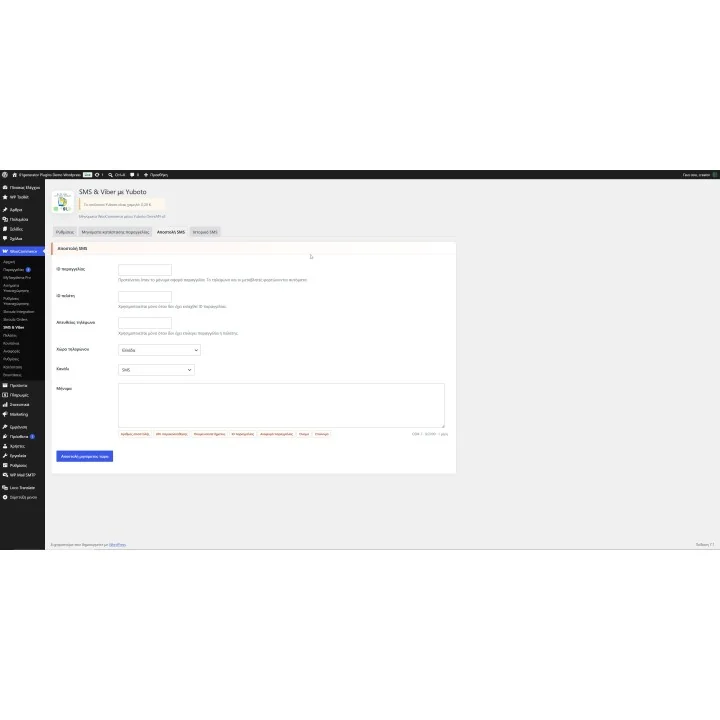
  • Send messages separately using an Order ID, Customer ID or direct phone number.
  • See whether each message uses GSM-7 or Unicode and calculate its characters and message parts before sending.
  • Prevent messages above the plugin's 2,000 computed-character limit.
  • Monitor your Yuboto balance from the plugin settings and optionally configure a low-balance warning.
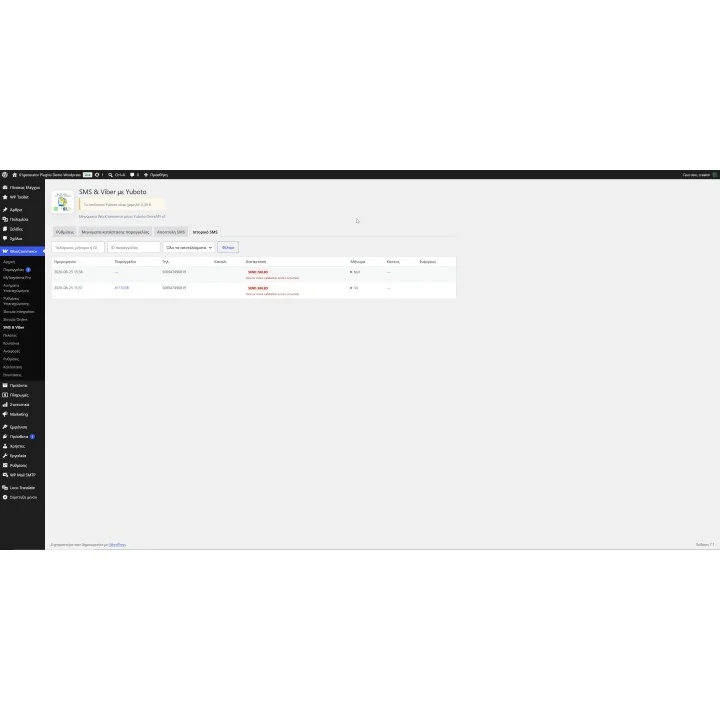
  • Keep a searchable message history with phone number, message text, Yuboto GUID, related order and sending result.
  • Refresh delivery reports manually or let the hourly WordPress scheduled task update recent pending messages.

How it works

  1. Connect the plugin with the OmniAPI key generated for your Yuboto Octapush account and configure your approved SMS and, if required, Viber sender names.
  2. Choose SMS, Viber or Viber with SMS fallback as the default channel.
  3. Select the WooCommerce order statuses that should trigger an automatic customer notification.
  4. Create the message for each store language and insert variables such as the customer name, order number, shipment number or tracking URL where needed.
  5. When an order enters an enabled status, the plugin selects the appropriate language template and sends the message through Yuboto.

Who this plugin is for

This plugin is designed for WooCommerce merchants who use Yuboto and want order communication to happen automatically instead of manually contacting customers whenever an order changes status.

It is particularly useful for stores handling regular order volumes, multilingual e-shops and merchants who want SMS and Viber communication to work alongside their existing WooCommerce fulfilment workflow.

What your customers will like

Customers receive relevant order information directly on their phone at the stages you choose, without having to repeatedly check their account or contact your store for routine updates.

Messages can also contain the order number, shipment reference and tracking URL when that information is available, helping customers move directly from the notification to their delivery tracking.

Installation

Install and activate the plugin through the standard WordPress plugin workflow, then open WooCommerce > SMS & Viber > Settings. Activate your license, enter your Yuboto OmniAPI credentials and approved sender names, and configure the order-status messages you want to use.

Before purchasing, make sure you have:

  • An active WooCommerce store.
  • An active Yuboto account.
  • A Yuboto OmniAPI key.
  • An SMS sender name approved by Yuboto.
  • An approved Viber business sender if you want to send Viber messages.
  • A valid plugin license activated for your website domain.
  • Sufficient Yuboto account balance for the SMS or Viber messages you send. Messaging charges are handled through your Yuboto account.

Frequently asked questions

Do I need a Yuboto account?

Yes. You need an active Yuboto account, an OmniAPI key and an approved SMS sender. If you want to use Viber, you also need an approved Viber business sender.

Can messages be sent automatically when an order changes status?

Yes. You choose which WooCommerce order statuses should trigger a notification and create the message template for each enabled status. The plugin sends the message after an order enters that status.

Does the plugin support multilingual WooCommerce stores?

Yes. You can create a separate message for each installed store language. The plugin uses the locale stored with the order and falls back to another available template if an exact language template is unavailable.

Can I include order and tracking information in the message?

Yes. Available variables include the customer's first and last name, WooCommerce order ID and order number, shop name, shipment or tracking number and tracking URL. Shipment variables are available when that information has been saved with the order.

Can I send messages manually and check their delivery status?

Yes. You can send a message directly from a WooCommerce order or from the dedicated sending screen using an Order ID, Customer ID or phone number. The SMS History also lets you review previous messages and request the latest Yuboto delivery report.
Comments (0)

No customer reviews for the moment.

4 other products in the same category

Loading...
Back to top