- New
Rated out of 5 stars based on review(s)
€99.99
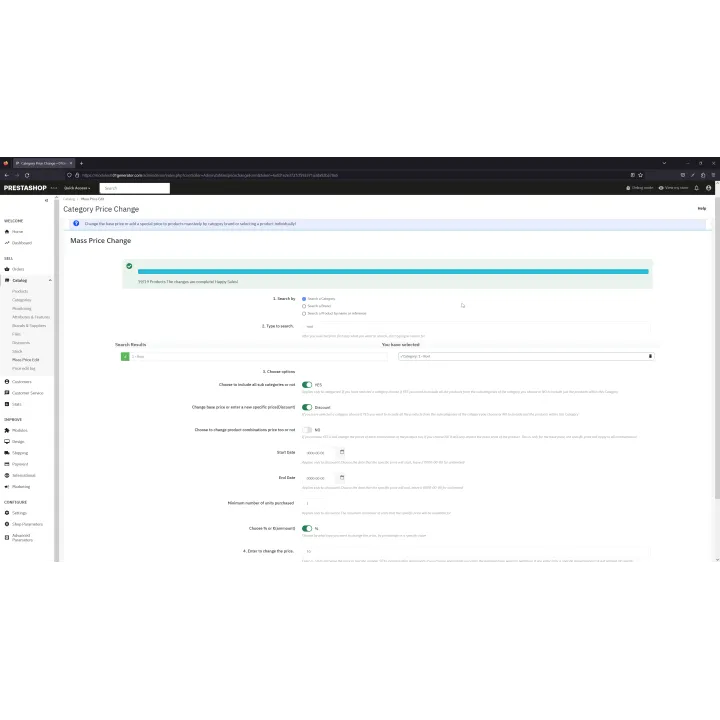
Change product prices and specific-price discounts in bulk by category, manufacturer or selected products, with combination support and rollback history.
Mass Price & Discount Manager for PrestaShop images
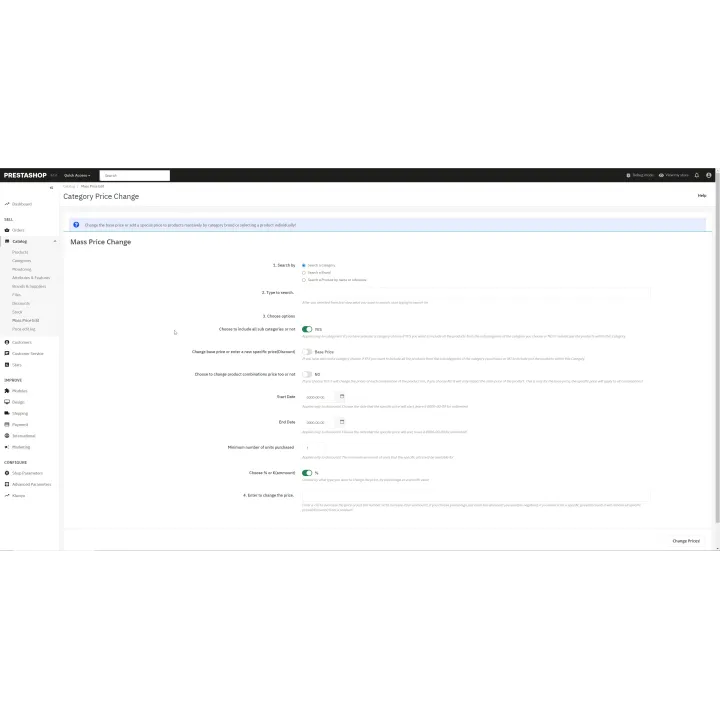
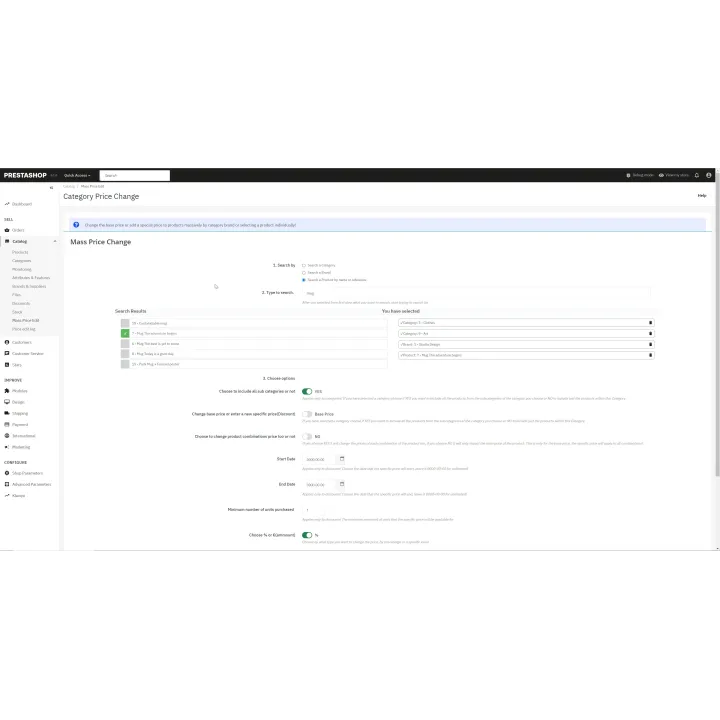
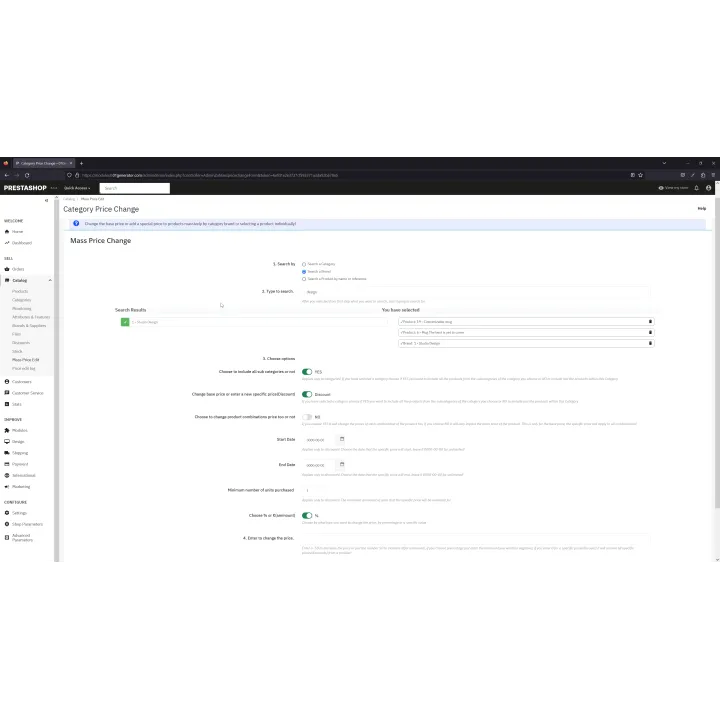
Mass Price & Discount Manager is built for stores that need to update many prices without editing products one by one. Apply amount or percentage changes, create or remove specific prices and target categories, manufacturers or selected products from one administration workflow.
PrestaShop merchants managing medium or large catalogues, seasonal promotions or frequent supplier price changes who want to avoid editing products individually.
Customers see consistent updated prices and promotions across the selected catalogue without waiting for staff to edit products one at a time.
Installation follows the standard PrestaShop extension workflow. After activation, open the product settings and complete the configuration required for your store.
Before purchasing, make sure you have:
Yes. Base-price changes can be applied using fixed amounts or percentages.
Yes. The module includes combination-aware price operations.
Yes. You can create specific prices with amount/percentage, dates and quantity conditions.
Yes. Category, manufacturer and selected-product targeting are supported, with an option to include subcategories.
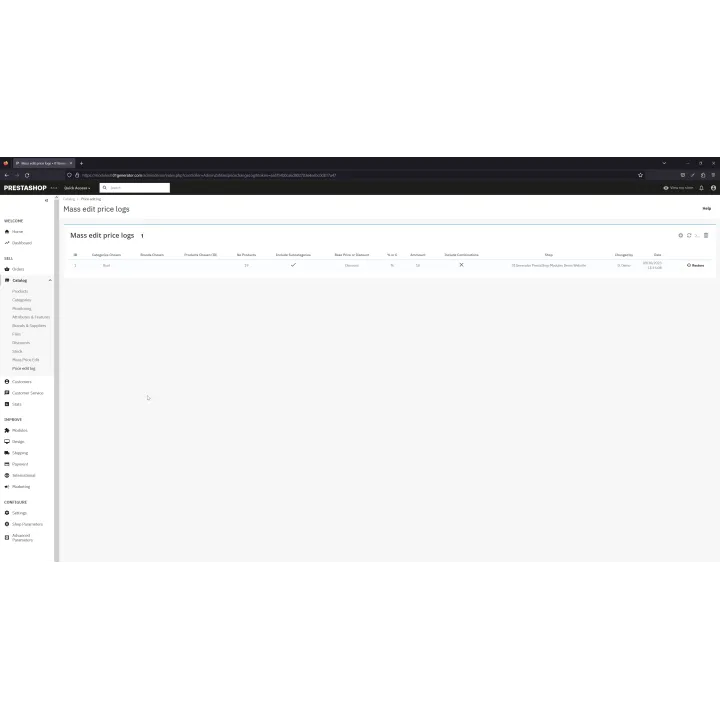
The module keeps rollback states so you can restore the latest or an older saved pricing state.

Comments (0)
Your review appreciation cannot be sent
Report comment
Report sent
Your report cannot be sent