What this plugin does for you
Skroutz XML Feed & Marketplace Integration connects WooCommerce with the main Skroutz workflows from one plugin. Generate configurable product feeds, integrate Skroutz Analytics and connect Smart Cart Marketplace orders with your WooCommerce store without maintaining separate integrations for each part of the process.
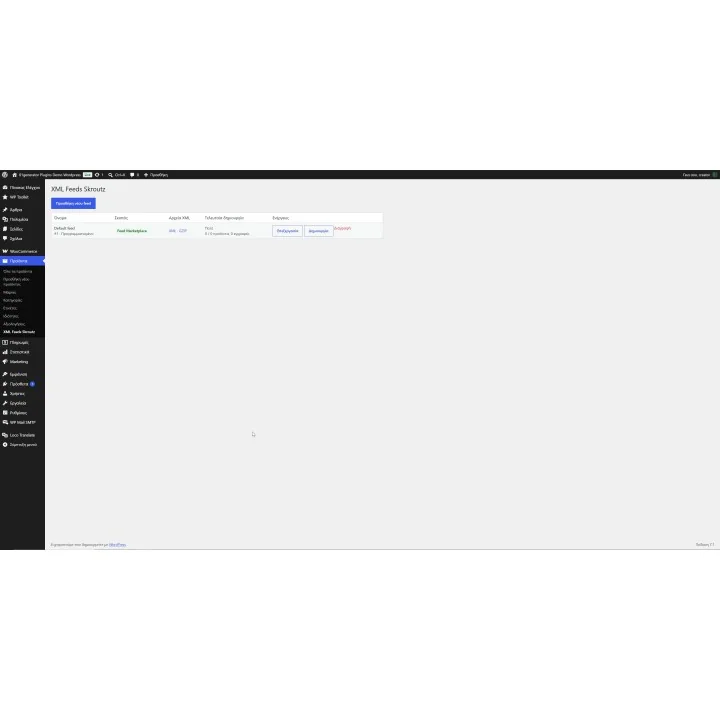
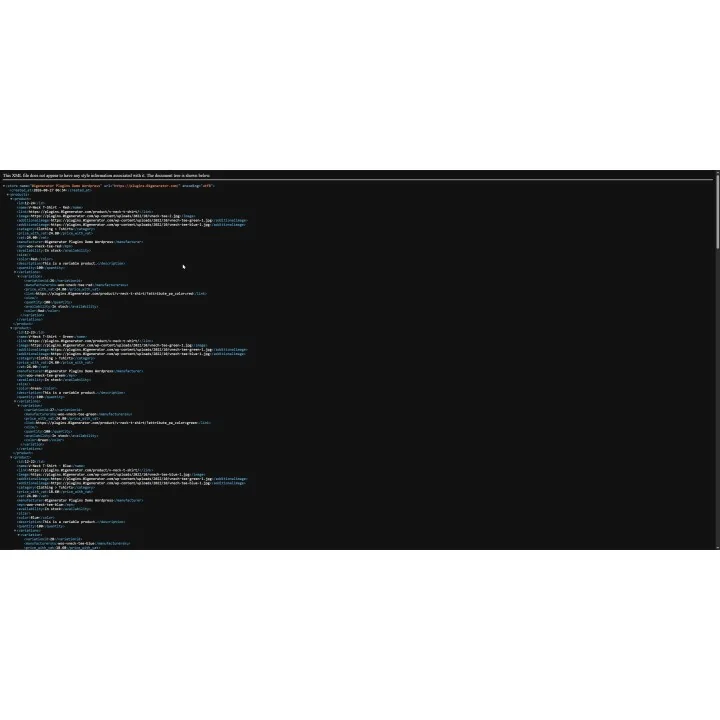
- Create XML and compressed XML.GZ product feeds for Skroutz.
- Create multiple independent feeds when you need different product selections, redirect campaigns or merchant configurations.
- Generate feeds manually or enable scheduled generation.
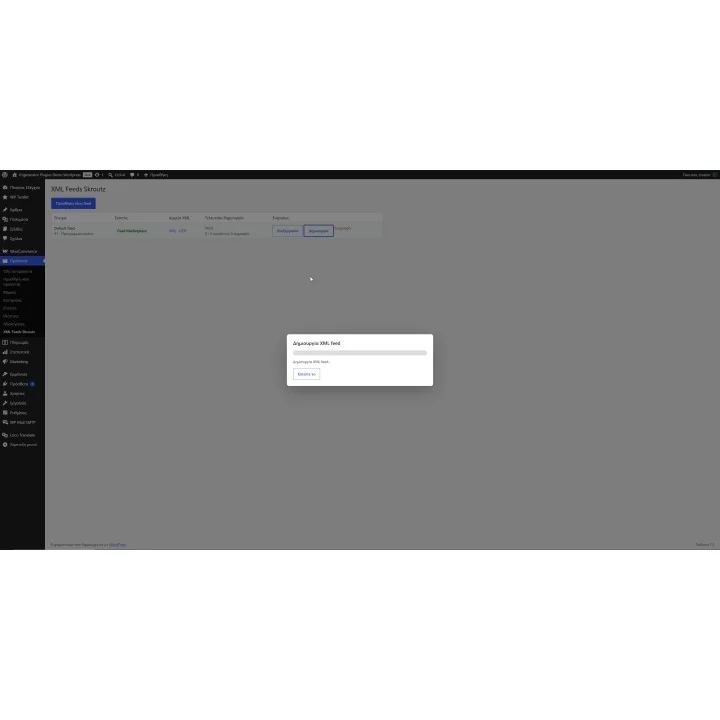
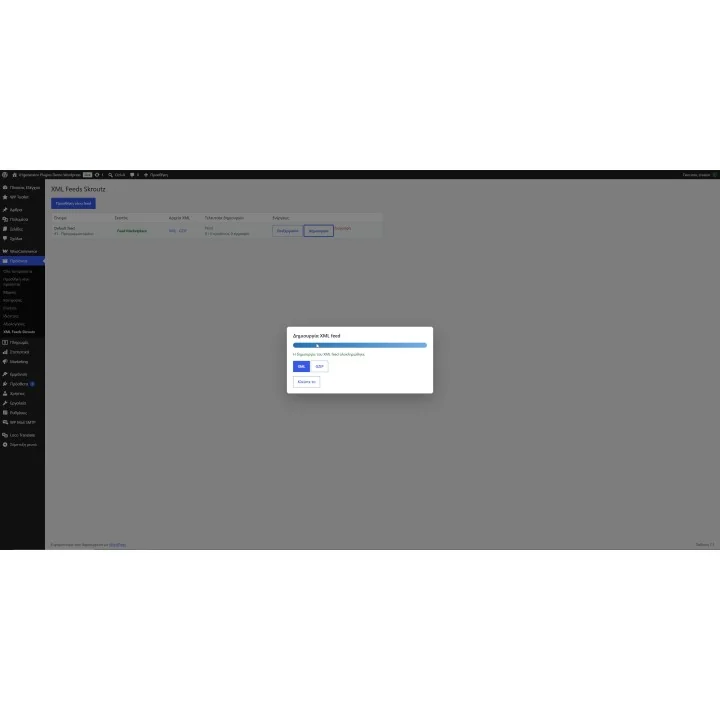
- Process feed generation in AJAX batches with visible progress.
- Restrict each feed by product categories and brands, or leave the filters empty to include all matching products.
- Configure tax handling, stock rules, product variations, descriptions, weight units and an optional percentage price increase per feed.
- Choose the product Unique ID source used by the feed and maintain a consistent product identity for Skroutz Marketplace.
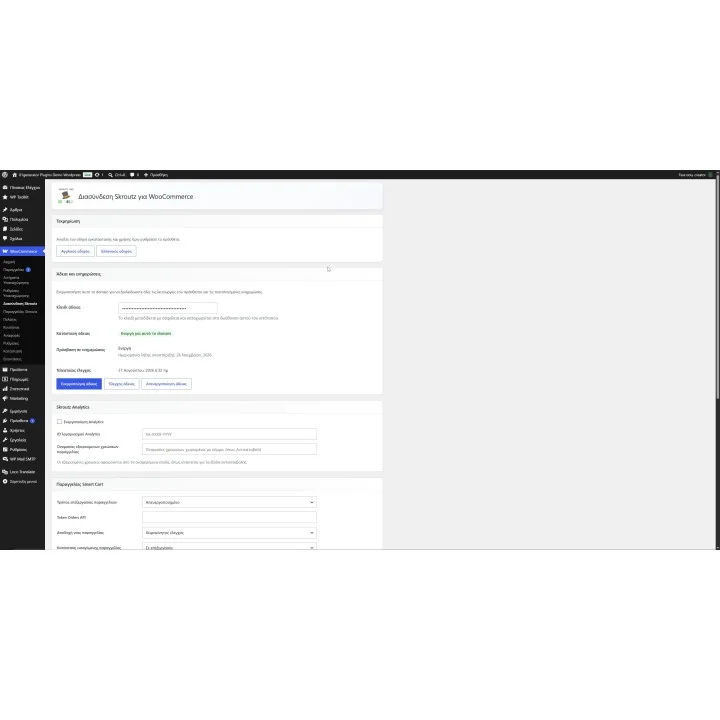
- Enable Skroutz Analytics using the account ID provided by Skroutz.
- Keep Analytics product IDs and product names aligned with the same feed identity and color grouping used in the XML.
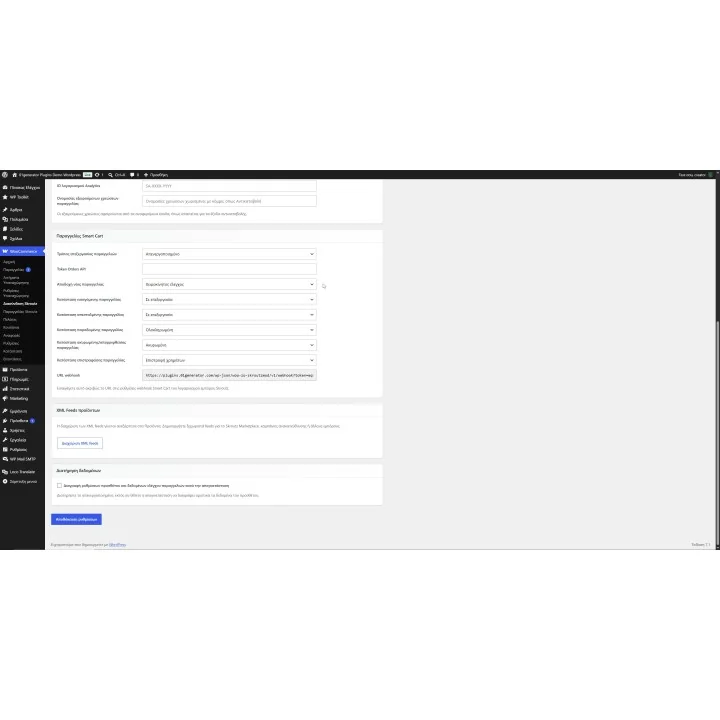
- Connect Smart Cart using the Skroutz Orders API token and the generated webhook URL.
- Choose between creating WooCommerce orders from Skroutz Marketplace or synchronizing stock only.
- Protect against duplicate webhook deliveries so the same Skroutz order does not create another WooCommerce order or reduce stock twice.
- Manage imported Skroutz orders from a dedicated Marketplace panel inside WooCommerce.
- Accept eligible orders using the required pickup location, pickup window and parcel count.
- Mark eligible Skroutz Last Mile orders as ready or not ready.
- Add courier and tracking information to supported FBM orders.
- Upload a PDF, PNG or JPG receipt or invoice to Skroutz directly from the WooCommerce order.
- Review Smart Cart processing problems from the dedicated Skroutz Orders area instead of losing failed product matches silently.
How it works
- Create or configure your Skroutz product feed, choose the Unique ID source and define the products, stock, variation, tax and pricing rules that should be exported.
- Generate the feed and submit its XML or XML.GZ URL to Skroutz. Enable scheduled generation if you want the feed refreshed automatically.
- Optionally enable Skroutz Analytics and enter the account ID supplied by Skroutz.
- For Smart Cart, enter the Skroutz Orders API token, choose either WooCommerce order creation or stock-only synchronization and add the generated webhook URL to your Skroutz merchant panel.
- When Skroutz sends Marketplace events, the plugin processes them inside WooCommerce and provides the relevant order, acceptance, Last Mile, FBM, tracking and document tools for the supported workflow.
Who this plugin is for
This plugin is designed for WooCommerce merchants selling through Skroutz who want their product feed, Analytics integration and Marketplace order workflow managed from WooCommerce rather than through separate tools.
It is especially useful for stores that need more control over the products submitted to Skroutz, operate multiple feeds or campaigns, or use Skroutz Smart Cart and want Marketplace orders and stock activity connected to their existing WooCommerce operations.
What your customers will like
Skroutz Marketplace orders can flow into the same WooCommerce workflow used by your store, helping your team process them consistently instead of handling marketplace sales in a disconnected system.
For supported Marketplace workflows, courier and tracking information can also be connected to the order, while Last Mile orders can be updated with the appropriate ready status.
Installation
Install and activate the plugin through the standard WordPress plugin workflow, then open WooCommerce > Skroutz Integration. Activate your license and configure the product feed, Analytics and Smart Cart features that your store needs.
Before purchasing, make sure you have:
- An active WordPress and WooCommerce store.
- A valid plugin license activated for your website domain.
- A Skroutz merchant setup appropriate for the features you want to use.
- The Skroutz Analytics account ID if you want to enable Analytics.
- A Skroutz Smart Cart Orders API token if you want Marketplace order or stock synchronization.
- Access to your Skroutz merchant panel so you can register the webhook URL generated by the plugin.
- A stable product Unique ID strategy before submitting the Marketplace feed. Changing product identity later requires the corresponding identifiers to be updated by Skroutz as well.
Frequently asked questions
Can I create more than one Skroutz XML feed?
Yes. You can create additional feeds for different product selections, redirect campaigns or other merchant requirements. Each feed can have its own category, brand, stock, variation, tax, description, weight and pricing settings.
Can Skroutz Smart Cart orders be created automatically in WooCommerce?
Yes. You can configure the integration to create WooCommerce orders from Smart Cart webhook events. Alternatively, you can choose stock-only synchronization. These two modes cannot be enabled at the same time.
What happens if Skroutz sends the same order webhook more than once?
The webhook processing is idempotent. Repeated delivery of the same Skroutz order code does not create another WooCommerce order or reduce the product stock a second time.
Does the plugin support Skroutz Last Mile and FBM orders?
Yes, for the supported Marketplace workflows. Eligible Skroutz Last Mile orders can be marked ready or not ready, while FBM orders can receive courier and tracking information from the WooCommerce order panel.
Can I upload an invoice or receipt to a Skroutz order?
Yes. The Marketplace order panel can upload one PDF, PNG or JPG receipt or invoice of up to 7 MB. Uploading another document replaces the file already stored by Skroutz.
Does the plugin also include Skroutz Analytics?
Yes. Skroutz Analytics can be enabled by entering the account ID supplied by Skroutz. Analytics product IDs and names use the same product identity and color grouping configured for the XML feed.

Comments (0)
Your review appreciation cannot be sent
Report comment
Report sent
Your report cannot be sent